
Website Migration SEO: Checklist, Recovery & Redirects
Planning a website migration or already lost traffic? This hub gives you everything you need to prevent or recover SEO rankings.
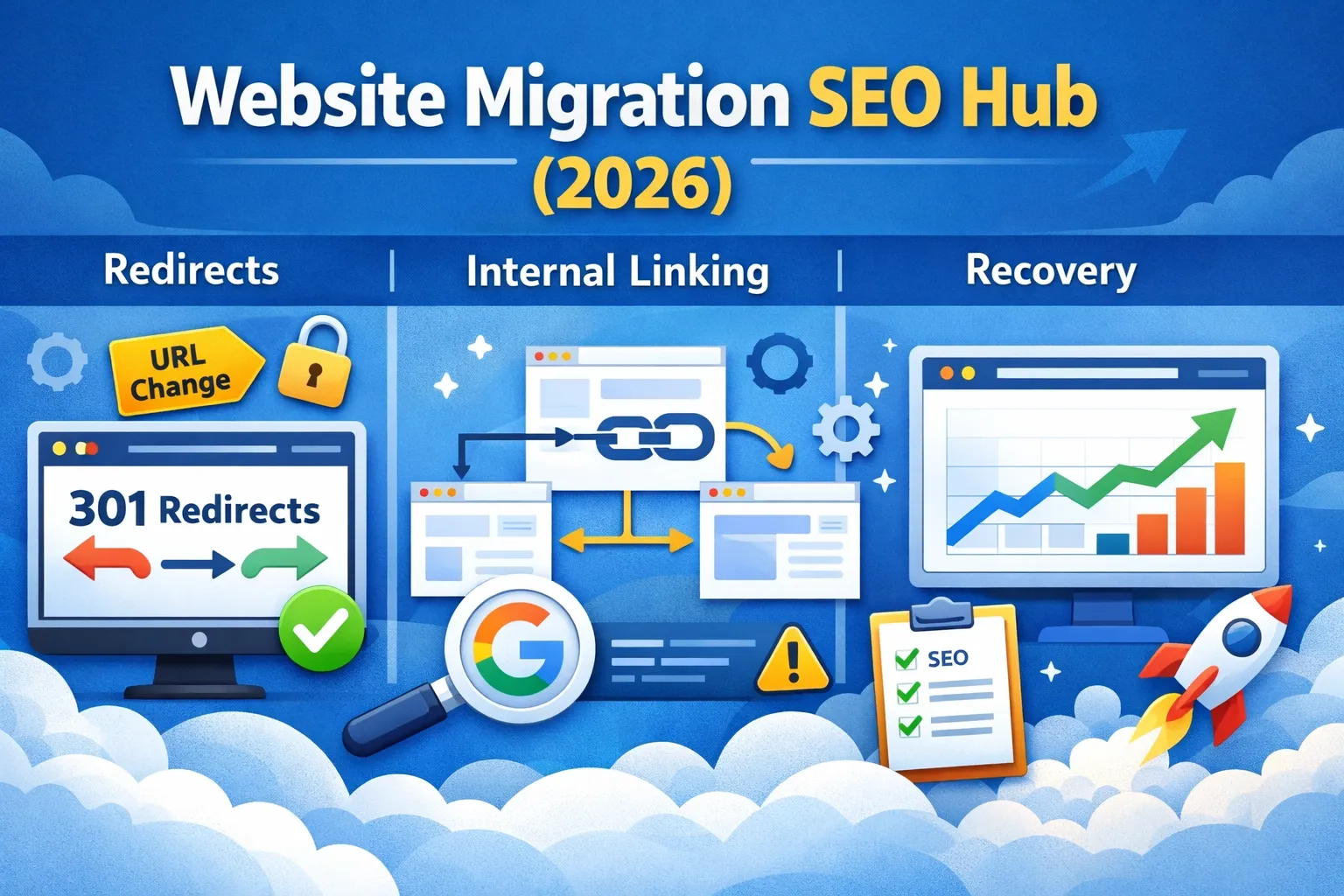
Website migrations are one of the highest-risk SEO activities. Even technically “successful” migrations can lead to traffic loss, indexing problems, and ranking instability when URLs, internal links, canonicals, or crawl signals change at the same time.
Website Migration SEO Process: Before, During & After Launch
Use this sequence as the main operating workflow rather than treating redirects, indexing, and traffic recovery as separate tasks.
1. Before the migration: build the SEO baseline
- Crawl the current site and export important indexable URLs.
- Record organic landing pages, clicks, impressions, rankings, and backlinks for high-value URLs.
- Identify canonical URLs, important internal links, XML sitemap URLs, and pages receiving organic traffic.
- Create an old-to-new URL map for pages whose addresses will change.
2. During the migration: preserve URL relationships
- Use permanent redirects when an old URL has a clear replacement.
- Avoid redirect chains and loops; point old URLs as directly as possible to the final destination.
- Update internal links, canonicals, hreflang references where applicable, and XML sitemaps to the new URLs.
- Check that important migrated pages return a successful HTTP response and remain indexable.
3. Immediately after launch: validate the new site
- Test a sample of old URLs and verify that redirects reach the correct new pages.
- Crawl the new site for broken links, redirect chains, accidental noindex directives, and canonical errors.
- Submit the updated XML sitemap in Google Search Console.
- Inspect representative URLs in Search Console and monitor indexing coverage.
4. After launch: monitor recovery signals
- Compare organic clicks, impressions, rankings, and landing-page traffic with the pre-migration baseline.
- Prioritize pages with the largest traffic or ranking losses rather than changing the whole site at once.
- Review crawl and indexing problems, then re-test the affected URLs after fixes.
- Keep monitoring until rankings and organic traffic stabilize.
How to Diagnose an SEO Traffic Drop After Migration
A traffic decline does not automatically mean the migration failed. First determine whether the loss is concentrated in specific URLs, query groups, or technical signals.
| Symptom | What to check first |
|---|---|
| Old URLs disappeared from search | Redirect mapping, destination relevance, canonicals, and indexing |
| New URLs are not indexed | Robots rules, noindex, canonical tags, internal links, sitemap, and crawlability |
| Rankings fell but URLs are indexed | Intent changes, content changes, internal linking, redirects, and competitor movement |
| Many pages lost traffic together | Migration-wide technical changes, templates, canonicals, robots, or site architecture |
For a deeper recovery workflow, use the SEO traffic recovery guide after completing the technical validation above.
If your traffic has already dropped, read our SEO recovery guide to troubleshoot the loss systematically.This hub page brings together all essential website migration SEO guides, fixes, and case studies. Start with our migration checklist to avoid common mistakes.
Website Migration SEO Checklist (Quick Overview)
Before diving into detailed guides, here’s a quick checklist to ensure your migration doesn’t destroy rankings:
- Map all old URLs to new URLs (301 redirects)
- Test redirect chains and loops
- Fix internal links after migration
- Submit updated sitemap in Google Search Console
- Check indexing status and crawl errors
- Monitor rankings and traffic daily
👉 Want full checklist? Read complete migration checklist →
What Happens During Website Migration (SEO Impact)
During a website migration, search engines must re-evaluate your entire site structure. If not handled correctly, this can lead to:
- Sudden traffic drops
- Deindexing of pages
- Loss of link equity
- Ranking instability
That’s why having a proper migration SEO strategy is critical.
Tip: Start here if you’re planning a migration. Use recovery guides if traffic already dropped.
🔹 Core Migration Guides
Website Migration SEO Checklist
A complete pre-, during-, and post-migration checklist to prevent ranking loss.
Read Checklist →Internal Linking After Website Migration
Fix broken internal links, restore authority flow, and stabilize rankings.
Read Guide →301 Redirect Strategy for SEO
Learn how to plan and validate redirects without losing link equity.
Read Strategy →🔹 Post-Migration Recovery & Troubleshooting
Why SEO Traffic Drops After Migration
Understand the real reasons rankings fall — and how to reverse the damage.
Fix Traffic Loss →Google Search Console Errors After Migration
Learn which GSC errors matter, which to ignore, and how to prioritize fixes.
Read GSC Guide →Crawled – Currently Not Indexed (Migration Fix)
Resolve indexing delays caused by structural and internal linking issues.
Fix Indexing →🔹 Case Studies & Advanced Topics
Website Migration Case Study
Real migration example showing recovery timelines and fixes.
View Case Study →SEO Migration Mistakes to Avoid
Common technical and structural mistakes that destroy rankings.
Avoid Mistakes →Final Note
If your site recently migrated — or you’re planning one — this hub should be your starting point.
Each guide here links strategically to the others, forming a clean internal linking structure that Google can crawl, understand, and trust.
This article is part of our Website Migration SEO Hub, covering redirects, internal linking, and post-migration recovery.
Common Website Migration Problems (And Fixes)
Most websites face these issues after migration:
- Pages not indexed in Google
- Traffic drop after migration
- Broken redirects
- Lost rankings
If you're facing these issues, start with our SEO recovery guide.
Frequently Asked Questions About Website Migration SEO
What is a website migration in SEO?
A website migration is any significant change to a site’s structure, URLs, platform, or domain that can impact how search engines crawl and rank pages.
Why do rankings drop after website migration?
Rankings often drop due to broken internal links, redirect issues, crawl inefficiencies, or incorrect indexing signals after migration. If you're facing this, check our SEO recovery guide.
How long does SEO recovery take after migration?
Recovery typically takes 2–12 weeks depending on site size, internal linking quality, and how quickly issues are resolved.
Is internal linking important after migration?
Yes. Internal linking helps Google understand new URL relationships and redistribute authority after migration. Learn how in our internal linking guide.
Do all migrations need 301 redirects?
Yes. Any URL change should be handled with a proper 301 redirect to preserve rankings and link equity. Follow our redirect strategy guide.
What is the biggest risk during website migration?
The biggest risk is losing rankings due to incorrect redirects, broken internal links, or indexing issues.
How do I test SEO after website migration?
You should test redirects, crawl errors, indexing status, and internal linking using SEO tools and Google Search Console.
How to prevent traffic loss during migration?
Follow a proper SEO migration checklist, implement correct redirects, and monitor performance after launch.
Request a Migration SEO Audit →