
301 Redirect SEO Guide (2026): Fix Rankings & Prevent Traffic Loss
Did your rankings drop after changing URLs or migrating your website?
A poorly implemented 301 redirect strategy can instantly destroy your SEO traffic, rankings, and backlinks.
This step-by-step guide will show you exactly how to fix redirects, preserve rankings, and prevent traffic loss.
Most websites lose 30–70% of traffic due to incorrect redirect implementation.
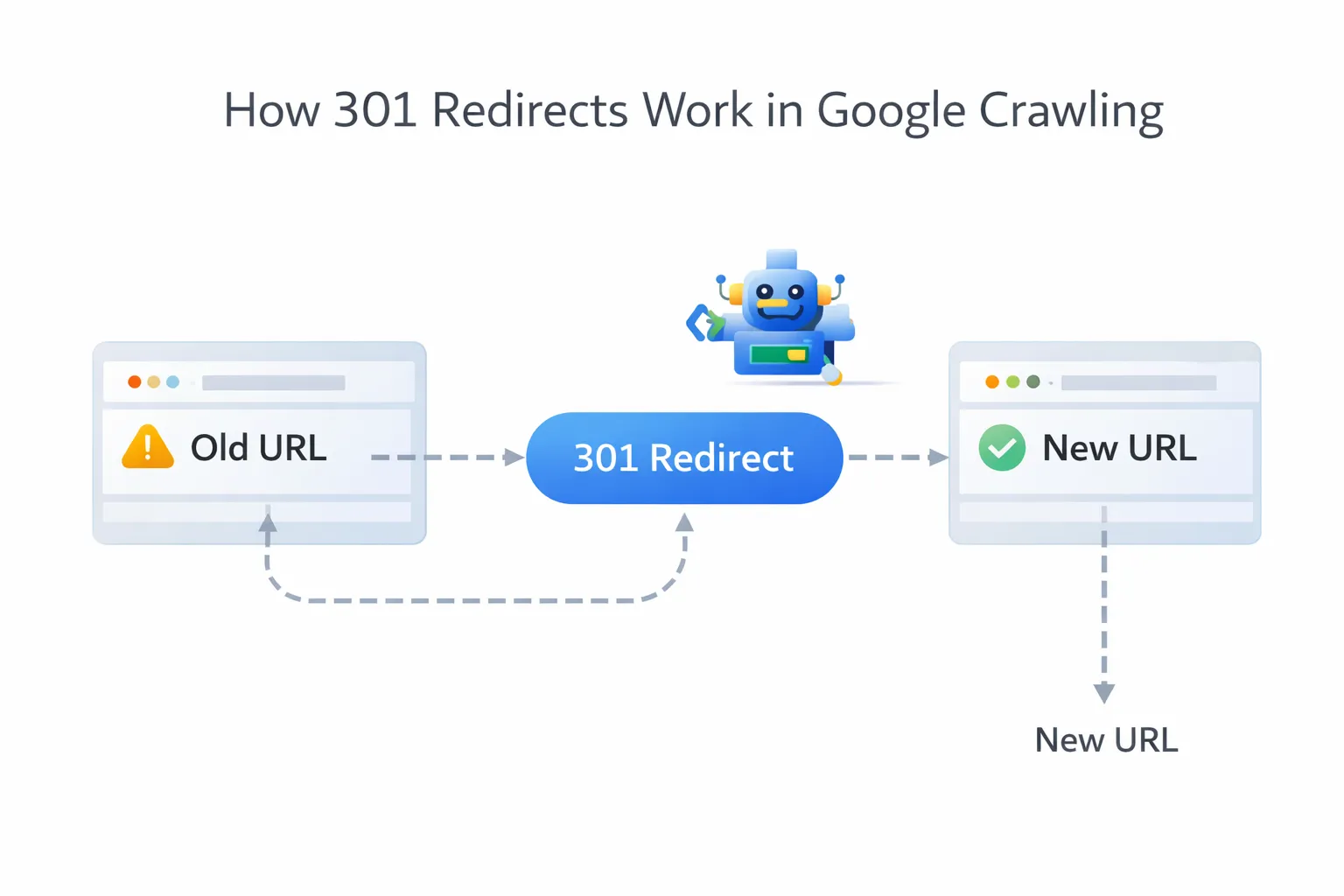
A poorly implemented redirect strategy is one of the biggest reasons websites lose traffic, rankings, and revenue during migrations. To avoid this, you must understand both technical SEO fundamentals and how to properly follow a website migration SEO checklist.
Quick 301 Redirect Checklist
- ✔ Map old URLs to new URLs
- ✔ Use 301 (not 302)
- ✔ Avoid redirect chains
- ✔ Update internal links
- ✔ Test redirects before launch
Most websites lose 30–70% of traffic due to poor redirect strategy.
What Is a 301 Redirect?
Before implementing redirects, follow our SEO migration checklist (prevent traffic loss) to prevent traffic loss.
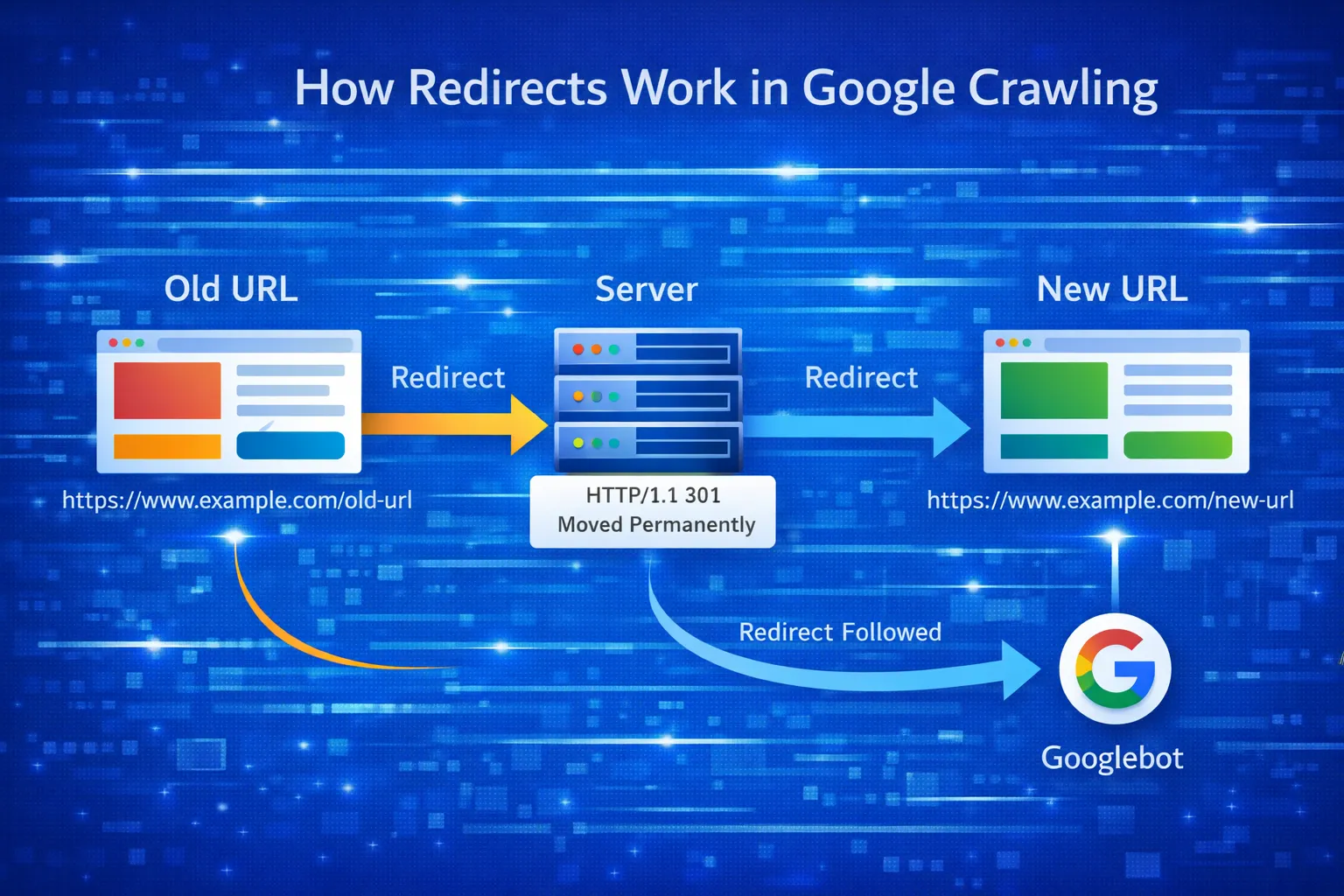
A 301 redirect is a permanent HTTP status code that tells search engines and browsers that a page has moved permanently to a new URL.
From an SEO perspective, 301 redirects are essential because they:
- Transfer ranking signals
- Preserve backlinks
- Prevent duplicate content
- Maintain crawl efficiency
Why 301 Redirects Are Critical for SEO
If your rankings already dropped, follow our SEO migration checklist (prevent traffic loss) to recover traffic quickly.
Search engines treat URLs as unique entities. If you change URLs without redirects, Google treats the new page as brand new. Before making any changes, it is critical to perform a complete SEO audit to identify high-value pages and prevent ranking loss.
- Rankings reset
- Backlinks lose value
- Traffic drops instantly
A proper website migration SEO checklist always starts with redirect planning.
You can also explore our complete migration SEO hub for a full step-by-step process.
When You Must Use 301 Redirects
- Website migrations
- Domain changes
- HTTP → HTTPS
- URL structure updates
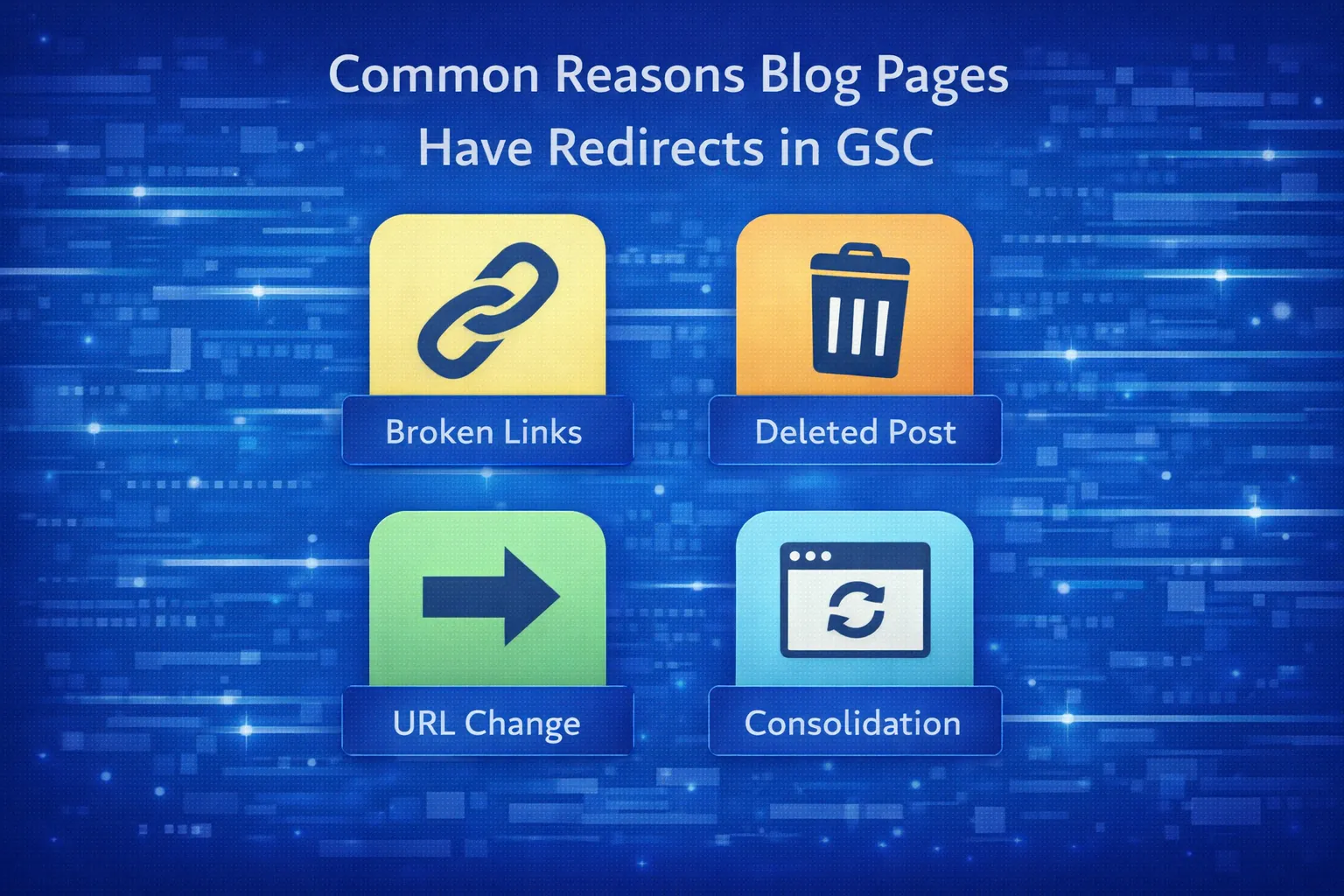
- Deleted or merged pages
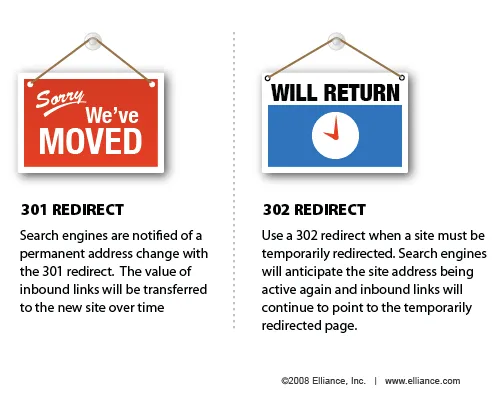
301 vs 302 Redirects: SEO Difference
| 301 Redirect | 302 Redirect |
|---|---|
| Permanent | Temporary |
| Transfers SEO equity | Does NOT fully transfer equity |
| Used for migrations | Used for short-term testing |
These scenarios often occur during major site changes, which should always follow a structured migration checklist to avoid traffic loss.
How to Create a Redirect Mapping Sheet
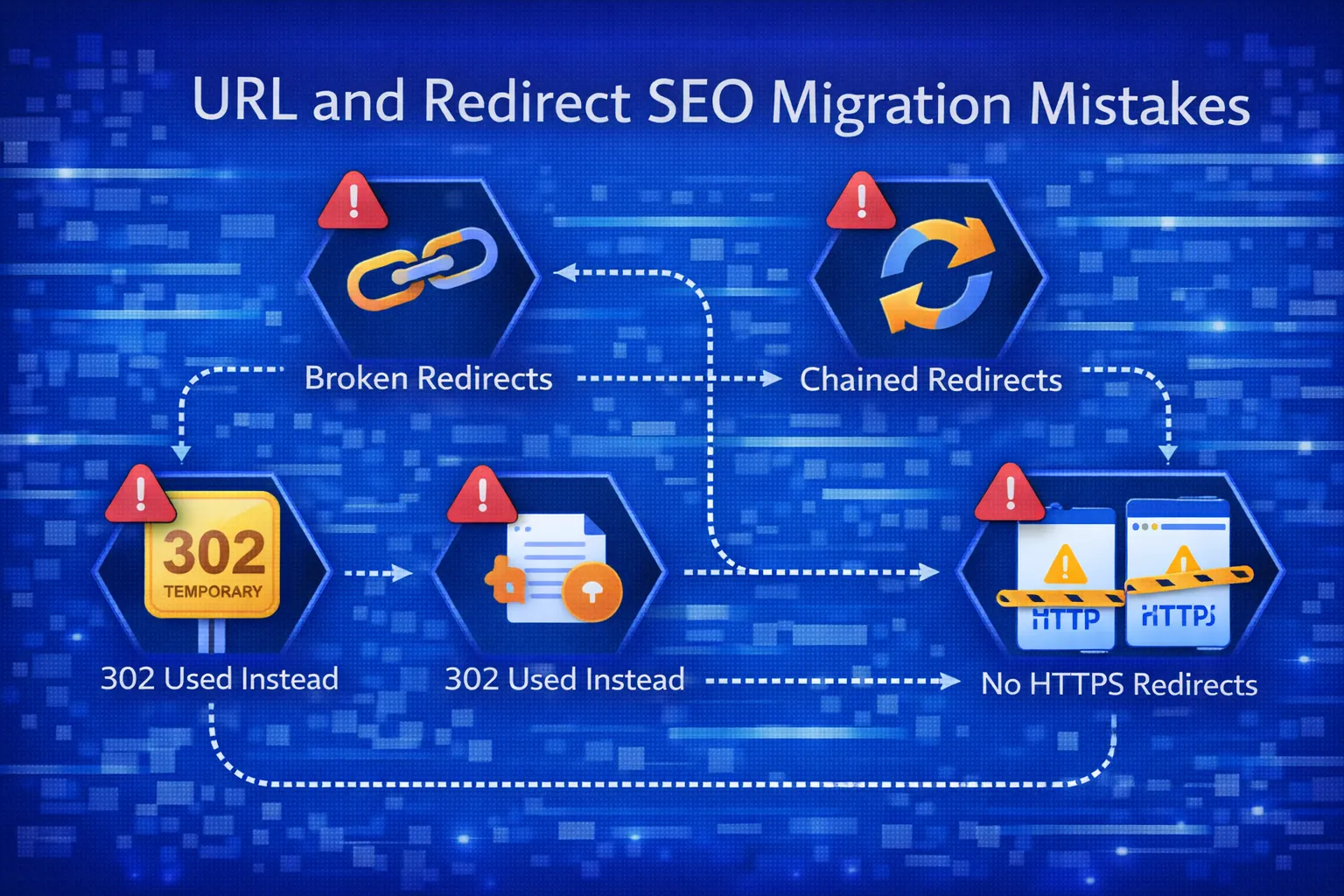
Before implementation, you must create a redirect map.
| Old URL | New URL | Status |
|---|---|---|
| /old-page.html | /new-page.html | 301 |
A proper redirect mapping process is part of a broader technical SEO strategy, ensuring that crawl paths, indexing signals, and internal links remain intact.
This step alone prevents 80% of migration SEO failures.
301 Redirects During Website Migration
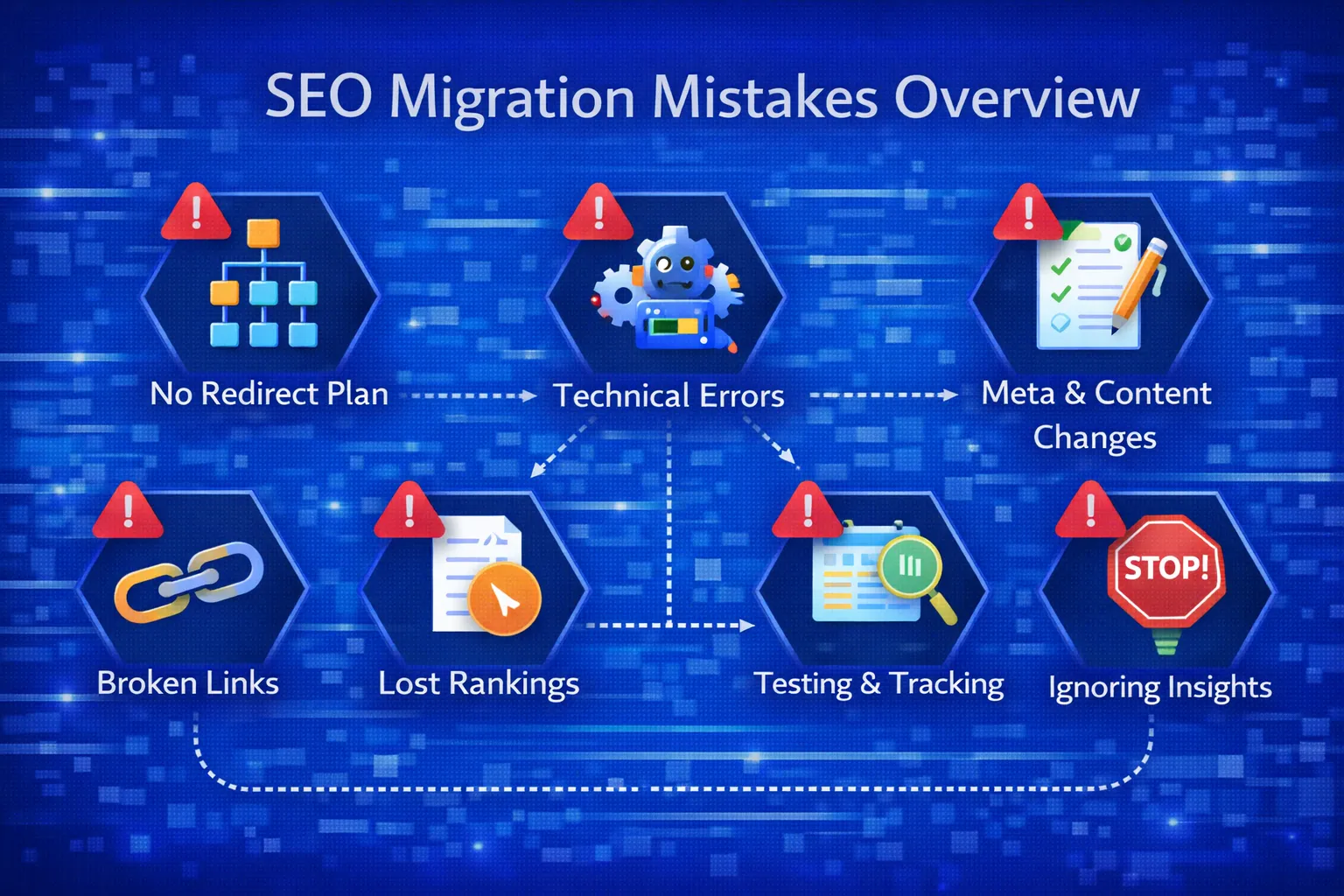
During migration, redirects should:
- Be one-to-one
- Avoid redirect chains
- Point to the most relevant page
Avoid the mistakes covered in SEO migration mistakes to avoid.
How to Implement 301 Redirects
Apache (.htaccess)
Redirect 301 /old-page.html https://example.com/new-page.html
Nginx
rewrite ^/old-page.html$ https://example.com/new-page.html permanent;
CMS Level
- WordPress: RankMath / Redirection
- Shopify: URL Redirects
For a complete process, combine redirect planning with a full website migration SEO guide to ensure every step is handled correctly.
Common 301 Redirect Mistakes
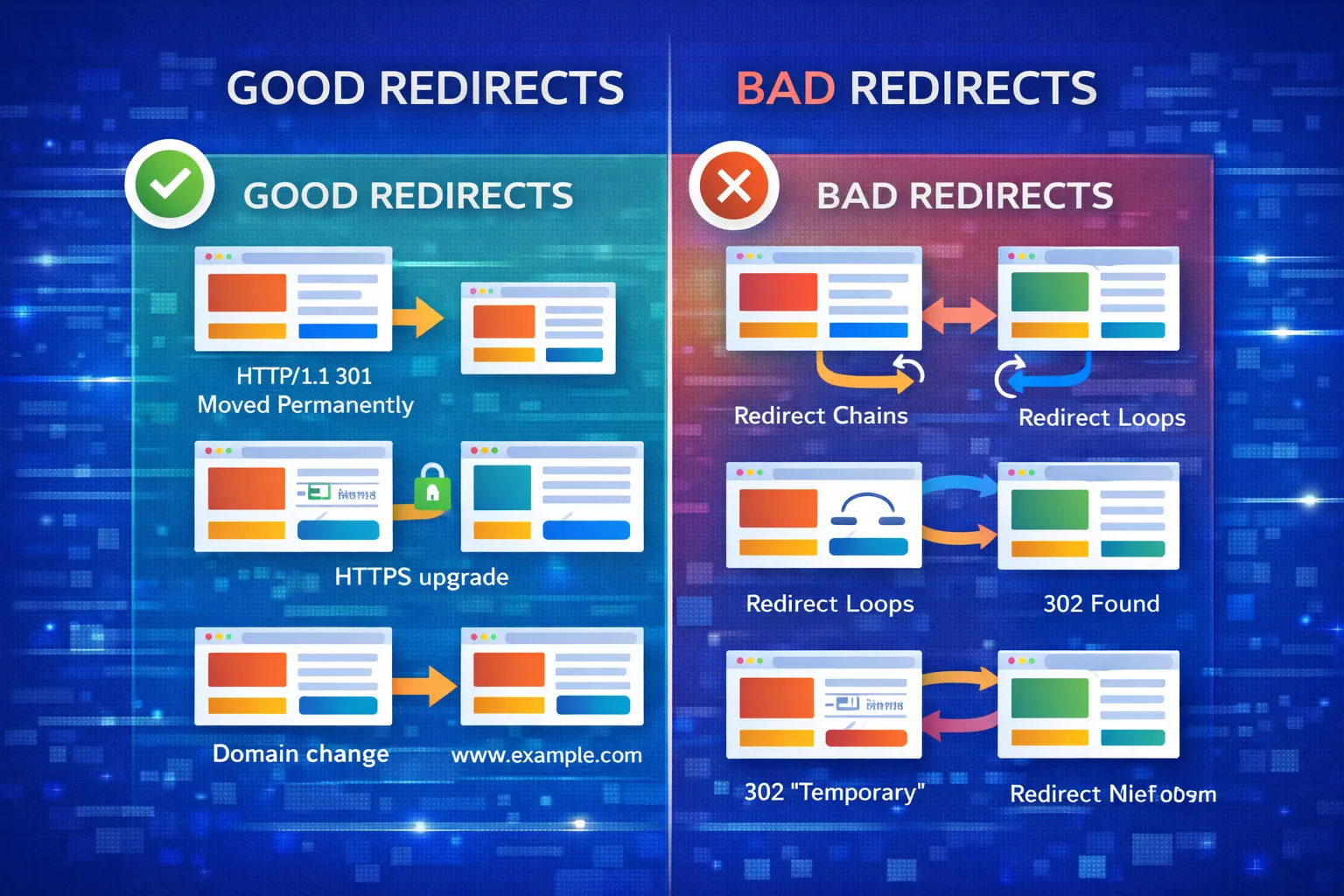
- Redirecting everything to homepage
- Redirect chains
- Redirect loops
- Blocking redirected URLs in robots.txt
Redirect decisions should also consider search intent and competition. Use SERP competition analysis to ensure redirected pages still match user intent.
You should also validate keyword relevance using keyword validation techniques before mapping redirects.
Understanding search intent in SERP analysis ensures redirected pages continue to match user expectations.
How to Test 301 Redirects
You can also validate redirect performance using our SEO migration testing guide.
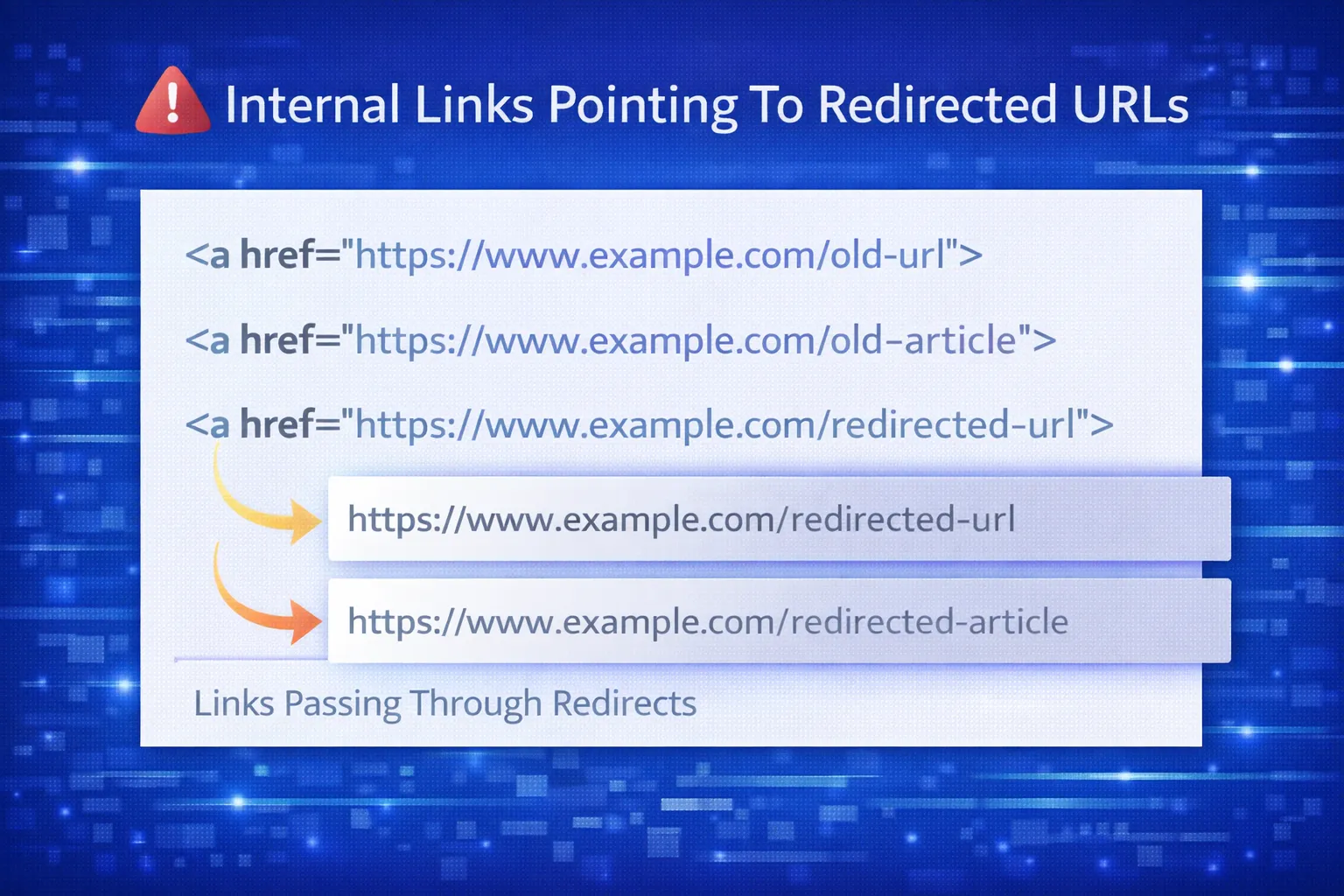
- Google Search Console
- Screaming Frog
- curl / browser dev tools
Post-Migration Redirect Monitoring
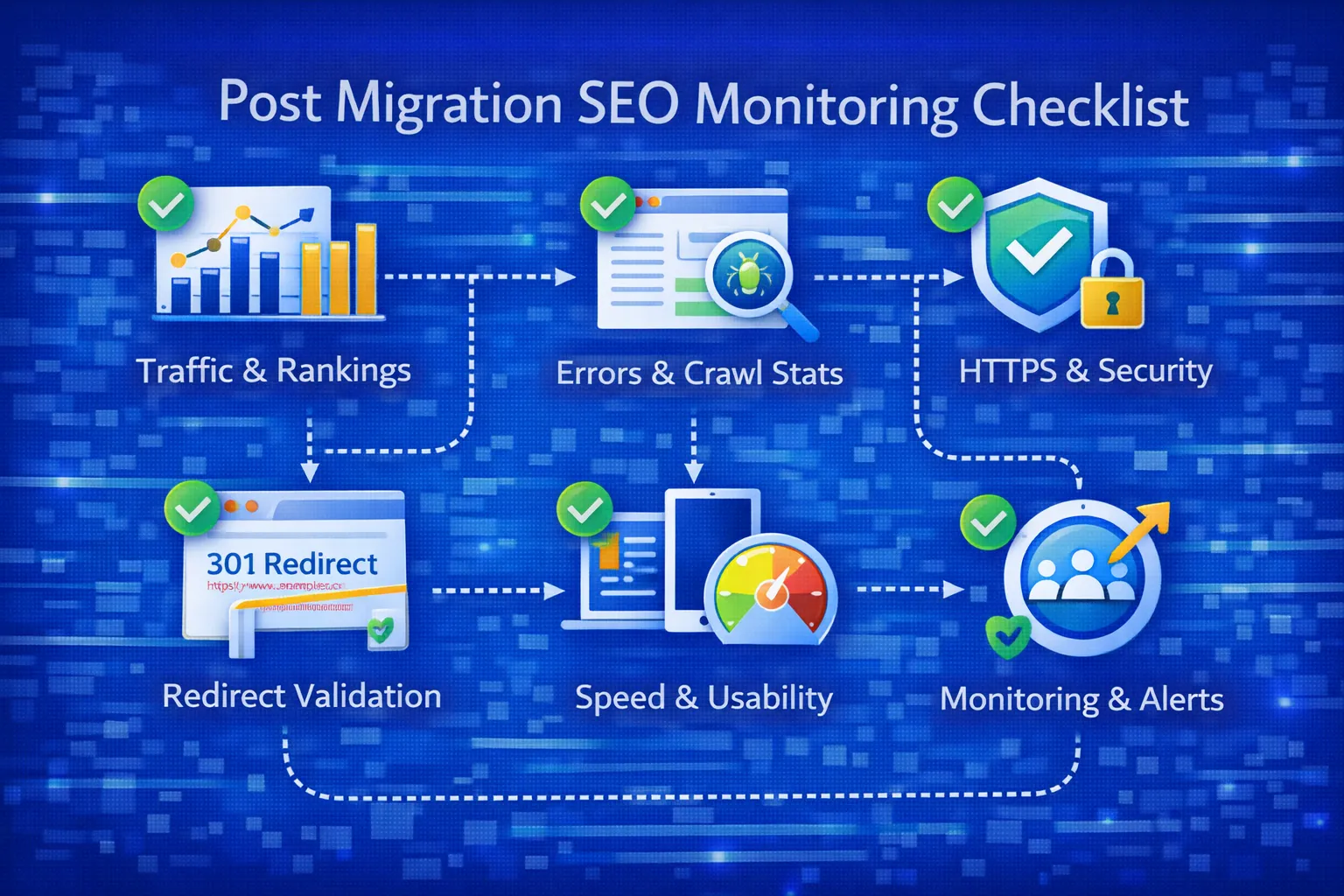
After launch:
- Check Coverage reports
- Monitor “Page with redirect”
- Fix 404 errors immediately
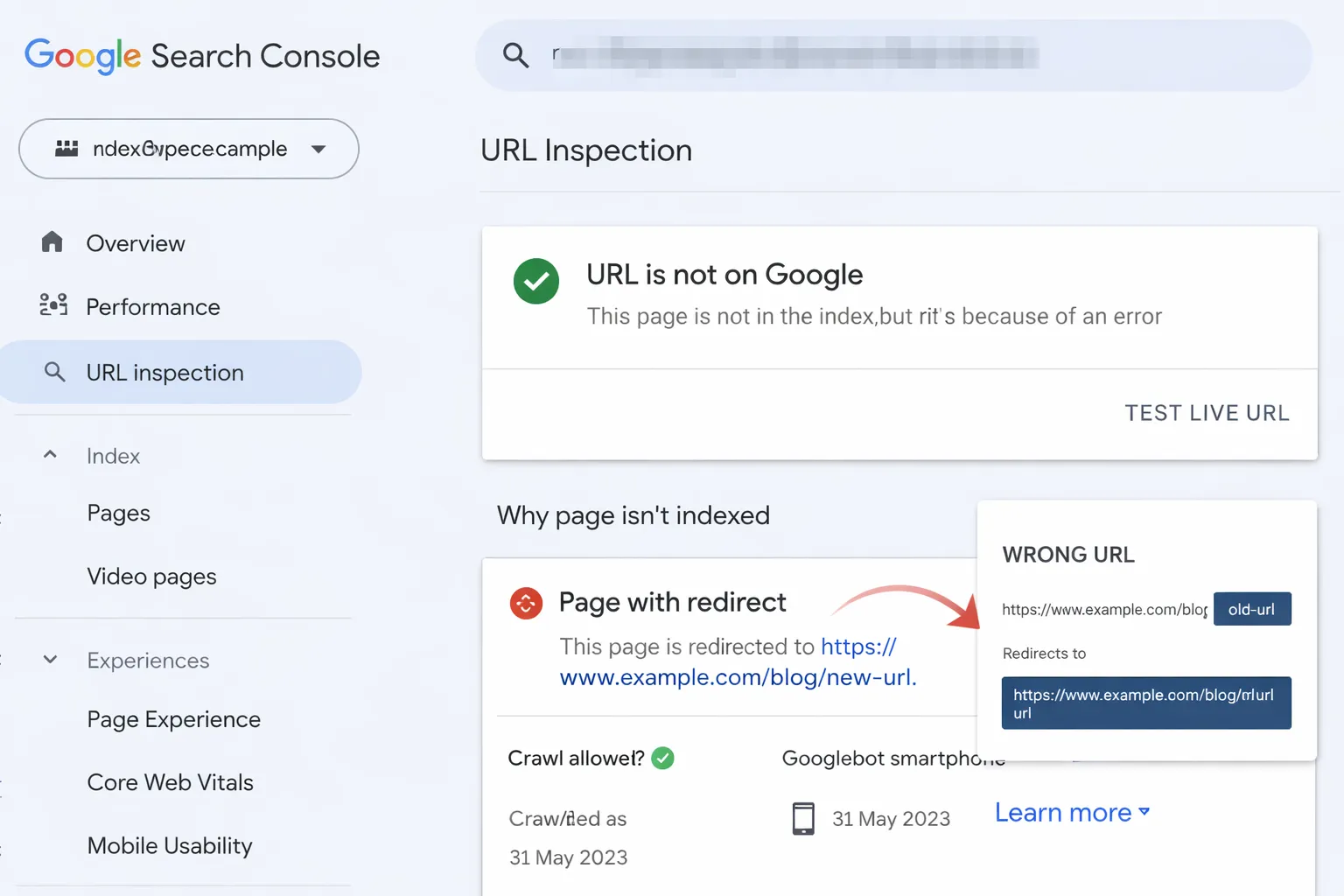
If you see issues, refer to Page with Redirect in Google Search Console.
After migration, tracking performance and fixing issues requires continuous monitoring using post-migration SEO monitoring.
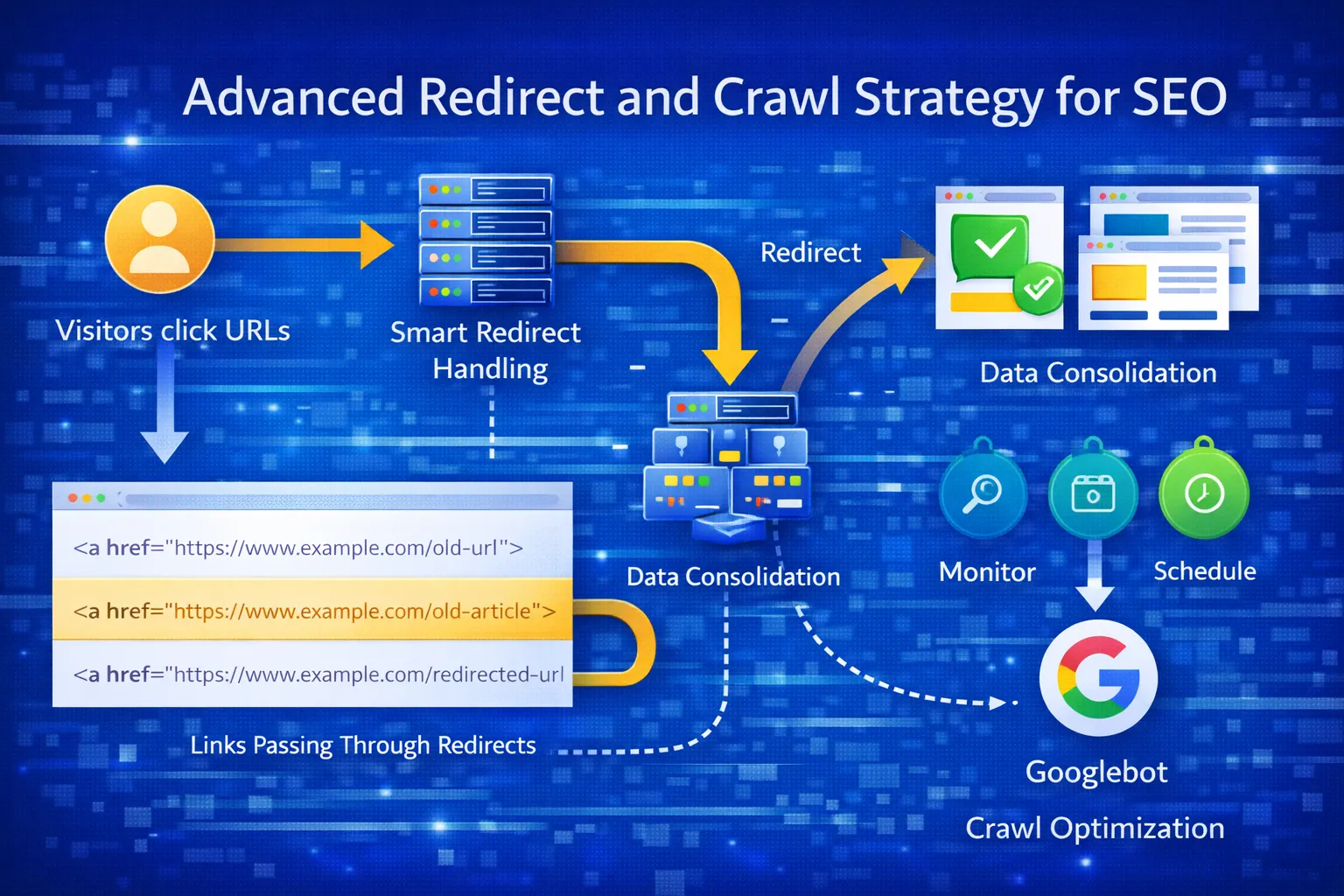
Redirect testing should be part of a broader technical SEO audit process, ensuring all redirected URLs return correct status codes and point to final destinations.
Final Thoughts: Build Redirects Once, Protect Rankings Forever
A 301 redirect strategy is not just a technical task — it is a ranking protection system. When implemented correctly, it preserves organic traffic, backlink equity, crawl efficiency, and user experience during migrations, URL changes, and site restructures.
The most successful SEO migrations follow a simple rule: every old URL must have a clear, relevant destination. This guide has shown you how to plan redirect mapping, avoid chains and loops, implement server-side redirects, test them properly, and monitor performance after launch.
Whether you are migrating a small blog or a large enterprise website, a clean 301 redirect strategy ensures Google understands your changes without resetting your SEO progress.
If you are preparing for a migration, combine this guide with a migration checklist, a full SEO audit, and a strong technical SEO foundation to ensure zero ranking loss.
Done right, redirects don’t lose rankings — bad planning does.
If your traffic already dropped, follow our traffic recovery guide to regain rankings faster.
Planning a Website Migration?
If you are preparing for a website migration, URL restructuring, or HTTPS move, a clean 301 redirect strategy is only one part of the process.
Use this guide together with a complete Website Migration SEO Checklist and a detailed Technical SEO Audit to avoid ranking loss.
Need a second opinion before launch? Explore our SEO services or review real migration case studies in our SEO blog.
1. Why did my traffic drop after using 301 redirects?
Traffic drops usually happen due to incorrect redirect mapping, redirect chains, or sending users to irrelevant pages instead of matching content.
2. How do I fix 301 redirect issues in SEO?
Fix redirect chains, ensure one-to-one mapping, update internal links, and verify all redirects point to relevant final URLs.
3. What is a 301 redirect in SEO?
A 301 redirect is a permanent redirect that transfers ranking signals, backlinks, and SEO value from an old URL to a new one.
4. Do 301 redirects affect SEO rankings?
Yes, but positively when implemented correctly. They help preserve rankings and prevent traffic loss during URL changes.
5. How much SEO value does a 301 redirect pass?
Modern 301 redirects pass nearly 100% of link equity when implemented correctly without chains or relevance issues.
6. When should I use a 301 redirect?
Use 301 redirects for website migrations, domain changes, HTTPS upgrades, URL restructuring, or content consolidation.
7. What happens if I don’t use 301 redirects during migration?
Without redirects, rankings drop, backlinks lose value, and Google treats new URLs as completely new pages.
8. What is a redirect chain and why is it bad?
A redirect chain occurs when multiple redirects happen before reaching the final page. It slows down crawling and reduces SEO value.
9. What is a redirect loop?
A redirect loop happens when URLs redirect endlessly between each other, blocking users and search engines.
10. Should every old URL be redirected?
Yes, every valuable or indexed URL should redirect to the most relevant new page to preserve rankings and traffic.
11. Is redirecting all pages to the homepage bad for SEO?
Yes, this creates soft 404 errors and can harm rankings. Always redirect to relevant pages.
12. How do I create a 301 redirect map?
Create a mapping sheet that matches every old URL with its most relevant new URL before migration.
13. How long does Google take to process 301 redirects?
Google typically processes redirects within a few days to several weeks depending on crawl frequency.
14. Should redirected URLs be in the XML sitemap?
No, sitemaps should only include final destination URLs, not redirected ones.
15. Do 301 redirects need canonical tags?
No, 301 redirects already define the preferred URL, so canonical tags are not required.
16. Can too many redirects hurt SEO?
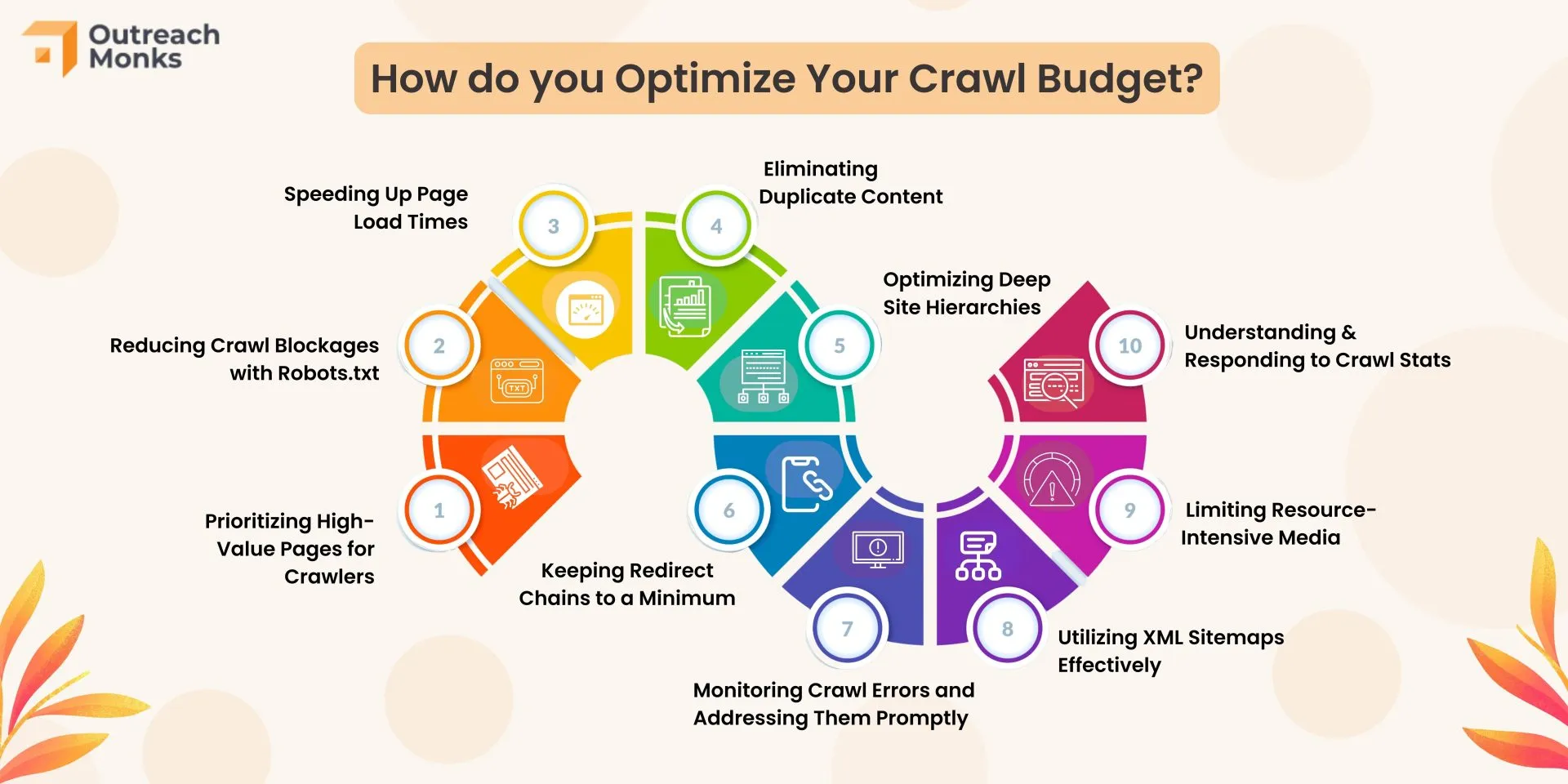
Yes, excessive redirects waste crawl budget, slow performance, and reduce SEO efficiency.
17. How do 301 redirects affect backlinks?
They transfer backlink authority from old URLs to new ones, helping preserve rankings.
18. How long should I keep 301 redirects?
Keep redirects active for at least 12–18 months or permanently if the URL will not be reused.
19. How do I test if redirects are working?
Use Google Search Console, SEO tools, or browser developer tools to verify redirect status and destination URLs.
20. What is the best 301 redirect strategy for SEO?
The best strategy is one-to-one URL mapping, server-side redirects, no chains, proper testing, and ongoing monitoring.
Still losing traffic after redirects? Fix your strategy now using this guide and combine it with our SEO migration checklist to recover rankings faster.