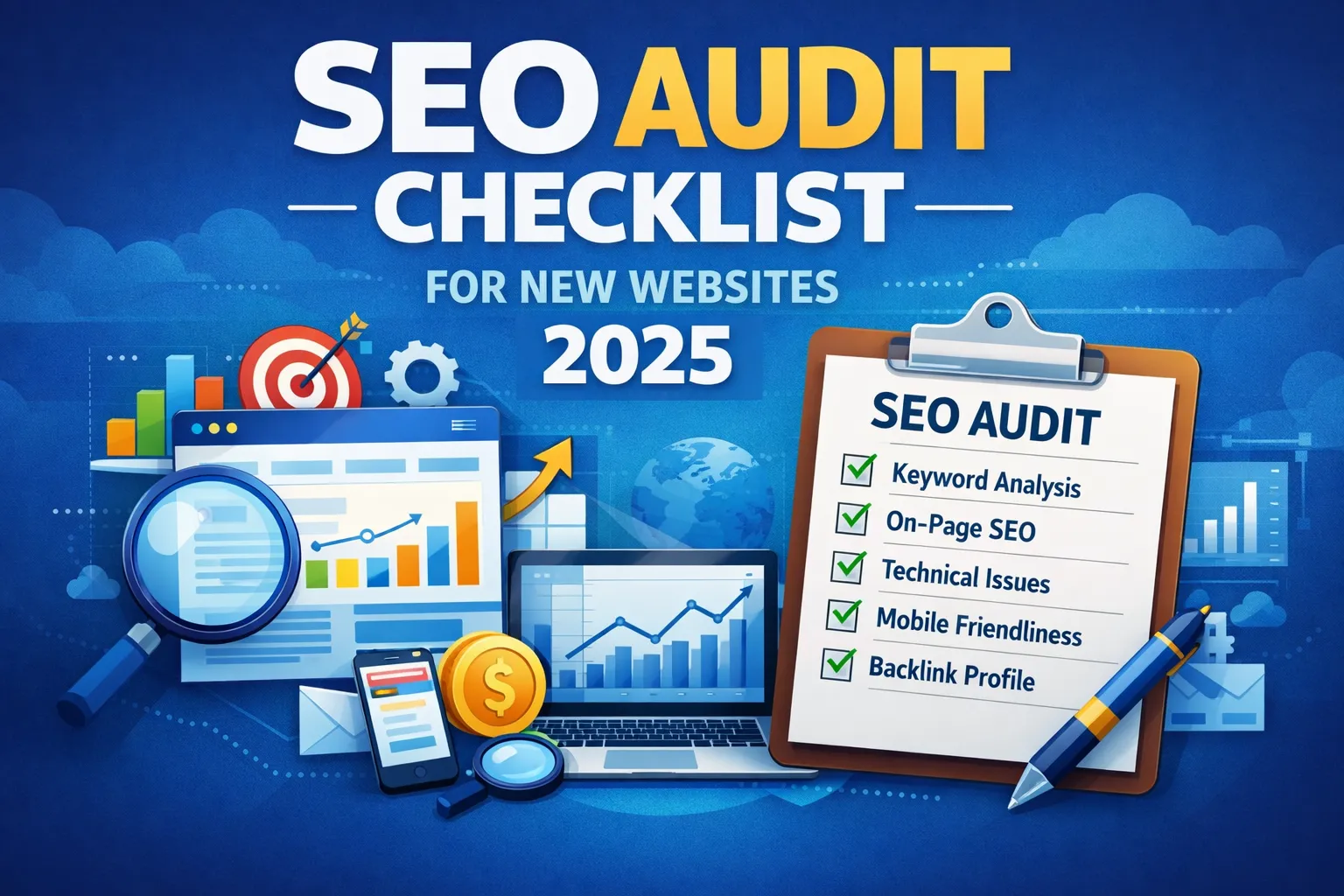
SEO Audit for New Websites: 15-Step Checklist
- Introduction
- Why SEO Audits Matter
- Google Search Console Setup
- Technical SEO Audit Checklist
- On-Page SEO Audit Checklist
- Content SEO Optimization
- Internal Linking Strategy
- Image & Media SEO
- Schema & Structured Data
- Off-Page SEO & Backlinks
- Analytics & Tracking
- Local SEO
- Common SEO Audit Mistakes
- Mini Case Study
- Frequently Asked Questions
- Conclusion
If you’re building authority from scratch, learn how to build a freelance portfolio that gets clients before scaling SEO.
Introduction
Many new websites fail to get organic traffic, not because of poor content, but because of technical errors, missing SEO fundamentals, and weak site architecture. Google evaluates clarity, structure, mobile usability, speed, and content relevance. Without these, even high-quality blogs may remain invisible.
This guide will give you a step-by-step 2026 SEO audit checklist covering technical SEO, on-page optimization, content strategy, internal linking, off-page SEO, analytics, and FAQs — everything a new website needs to rank faster and sustainably.
Throughout this guide, we’ll provide actionable examples, screenshots, and external references to authoritative SEO sources for in-depth learning.
How to Audit a New Website for Long-Tail Keyword Targeting
For a new site, a useful SEO audit should not stop at crawl errors and metadata. Check whether each important page has a clear search intent and a realistic keyword target, especially specific long-tail queries that match the site's current topical authority.
- List the pages that should attract organic traffic. Start with the homepage, service pages, category pages, and planned cornerstone articles.
- Assign one primary search intent to each page. Decide whether the page is answering an informational question, supporting a commercial decision, or serving a navigational need.
- Map a focused long-tail keyword. Choose a query that is specific enough to match the page and realistic for the site's current authority. Avoid assigning several unrelated primary keywords to one URL.
- Validate the SERP before publishing. Search the exact query and check whether the ranking pages match the same intent. Look for weak, outdated, thin, or mismatched results rather than relying only on a keyword-difficulty score.
- Check topical coverage and internal links. Make sure the target page has supporting content and relevant internal links that reinforce the topic.
- Use GSC after publication. Review the queries generating impressions. If Google associates the page with related long-tail queries, improve the page around the useful intent instead of creating duplicate URLs.
Long-Tail SEO Audit Checklist
| Audit check | What to verify |
|---|---|
| Primary keyword | One clear, relevant query is mapped to the URL. |
| Search intent | The page type and content satisfy what searchers are trying to accomplish. |
| SERP competition | Top results are reviewed for relevance, depth, freshness, and weaknesses. |
| Content coverage | The page answers the main question and closely related sub-questions. |
| Internal linking | Relevant supporting pages link to the target with descriptive anchors. |
| GSC feedback | Impressions and query variations are reviewed after the page is indexed. |
If you want a deeper infrastructure-level analysis covering crawlability, canonical management, indexing diagnostics, redirect mapping, and migration recovery, read our Technical SEO Audit Guide (2026).
This guide is part of our complete SEO audit framework:
Who Is This SEO Audit Checklist For?
- Brand new websites (0–6 months old)
- Startups launching a new domain
- Freelancers building niche blogs
- Businesses redesigning websites
- Anyone stuck with low impressions
If you see indexing errors like Page with Redirect in Google Search Console, fix redirect chains immediately.
Why SEO Audits Matter for New Websites
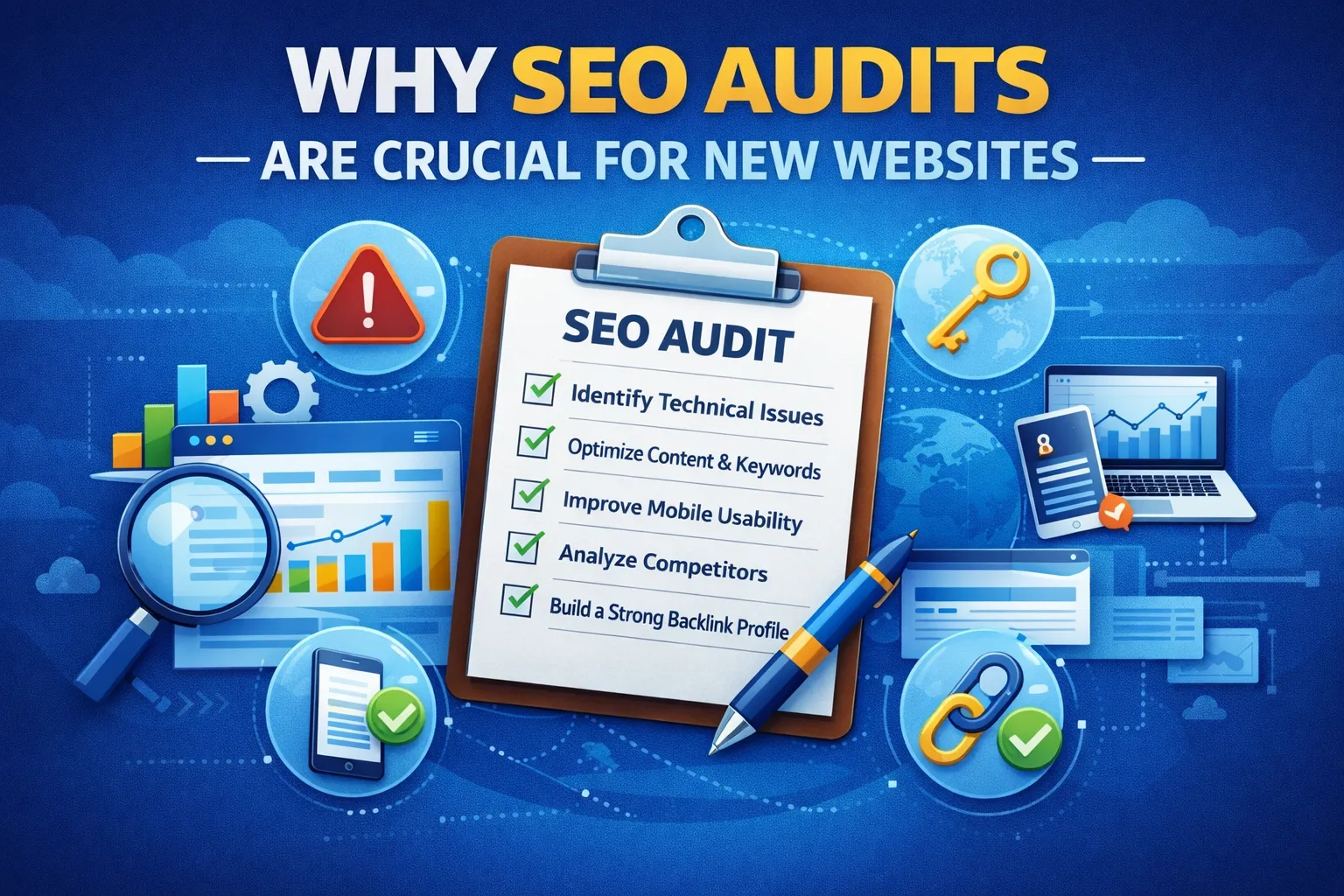
New websites operate differently than established domains. Authority and trust signals are minimal, so every SEO signal counts. An SEO audit helps you:
- Ensure Google crawls and indexes your site correctly.
- Eliminate technical errors that block visibility.
- Optimize content structure, headings, and meta tags.
- Build a strong foundation before creating backlinks.
- Prioritize pages that bring maximum ROI.
Without proper audits, sites risk slow growth, thin content penalties, or poor indexing.
| SEO Factor | Without Audit | With Audit |
|---|---|---|
| Indexing | Slow or broken | Fast & accurate |
| Traffic Growth | Random | Predictable |
| Rank Stability | Volatile | Stable |
| Conversion | Low | Optimized |
Google Search Console Setup (Non-Negotiable)
Google Search Console (GSC) is your primary tool to monitor impressions, clicks, coverage errors, and indexation. Early setup is critical for new sites.
Checklist:
- Verify domain property for full data coverage.
- Submit XML sitemap for all pages.
- Monitor Pages → Indexed for crawling issues.
- Fix “Crawled – currently not indexed” errors.
- Enable Mobile Usability reports.
- Connect GSC to Google Analytics 4 for combined insights.
Official tool: Google Search Console
Technical SEO Audit Checklist
1. HTTPS & Security
- Enable HTTPS site-wide.
- 301 redirect HTTP → HTTPS.
- Fix mixed content errors.
- Automate SSL certificate renewal.
- Use HSTS headers for enhanced security.
Explore advanced methods like AI-powered SEO content strategies to scale content production efficiently.
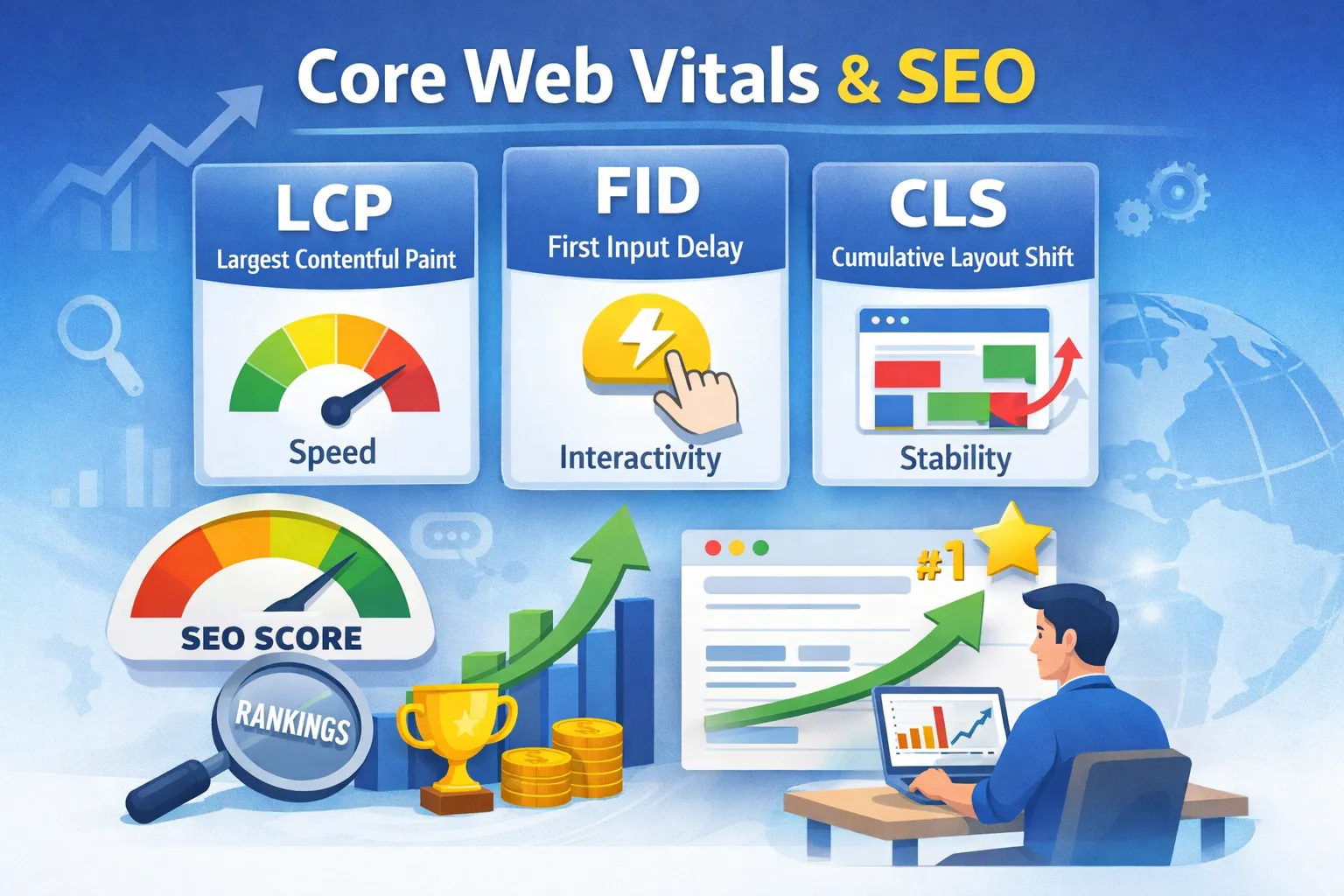
2. Core Web Vitals & Speed
New websites have an advantage: fewer pages mean easier optimization.
- Use WebP or AVIF images for faster loading.
- Lazy-load below-the-fold content.
- Reduce layout shifts (CLS).
- Optimize LCP by caching, CDN, and compression.
- Minimize render-blocking scripts.
Test with Google PageSpeed Insights.
3. Mobile Friendliness
- Readable font sizes (16px+) for mobile.
- Responsive layout without horizontal scrolling.
- Clickable elements spaced ≥48px.
- Test with Mobile-Friendly Test.
4. Crawlability & Indexing
- Check robots.txt to avoid blocking important pages.
- Use noindex for thin/duplicate pages.
- Fix canonical tags.
- Update XML sitemap with priority/frequency tags.
- Monitor crawl errors regularly in GSC.
If your pages are not appearing in search results, learn how to fix "Crawled - currently not indexed" issues step-by-step.
On-Page SEO Audit Checklist
On-page SEO ensures that your content is understandable, structured, and relevant to Google and users. For new websites, this is **critical to gain early traction**.
1. Title Tags
Title tags influence CTR and rankings. Ensure they:
- Include the primary keyword naturally.
- Match user search intent.
- Stay within 50–60 characters.
- Are unique for every page.
Example:
Bad: SEO Audit
Good: SEO Audit Checklist for New Websites (2026) – Step-by-Step Guide
2. Meta Descriptions
- Include primary & secondary keywords.
- Provide a clear benefit to users.
- Stay under 160 characters.
- Use actionable language (e.g., “Learn how to…”, “Step-by-step guide”).
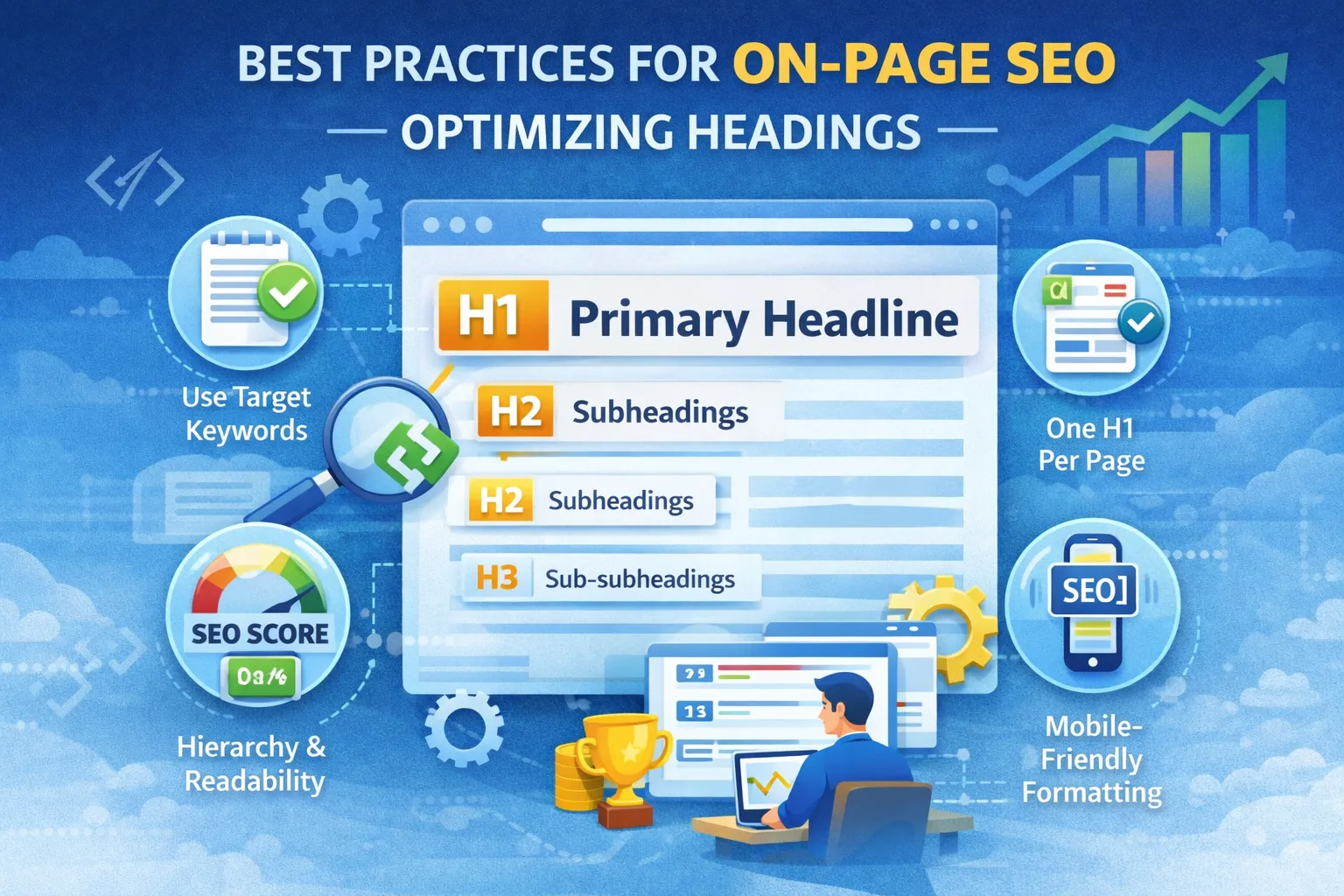
3. Heading Structure (H1, H2, H3)
- 1 H1 per page, including primary keyword.
- Logical H2 → H3 hierarchy.
- Avoid keyword stuffing; focus on clarity.
- Use semantic variations for subtopics.
4. URL Structure
- Short, descriptive, keyword-friendly URLs.
- Use hyphens (-) instead of underscores (_).
- Keep URLs under 60 characters if possible.
- Canonicalize duplicate URLs.
Content SEO Optimization
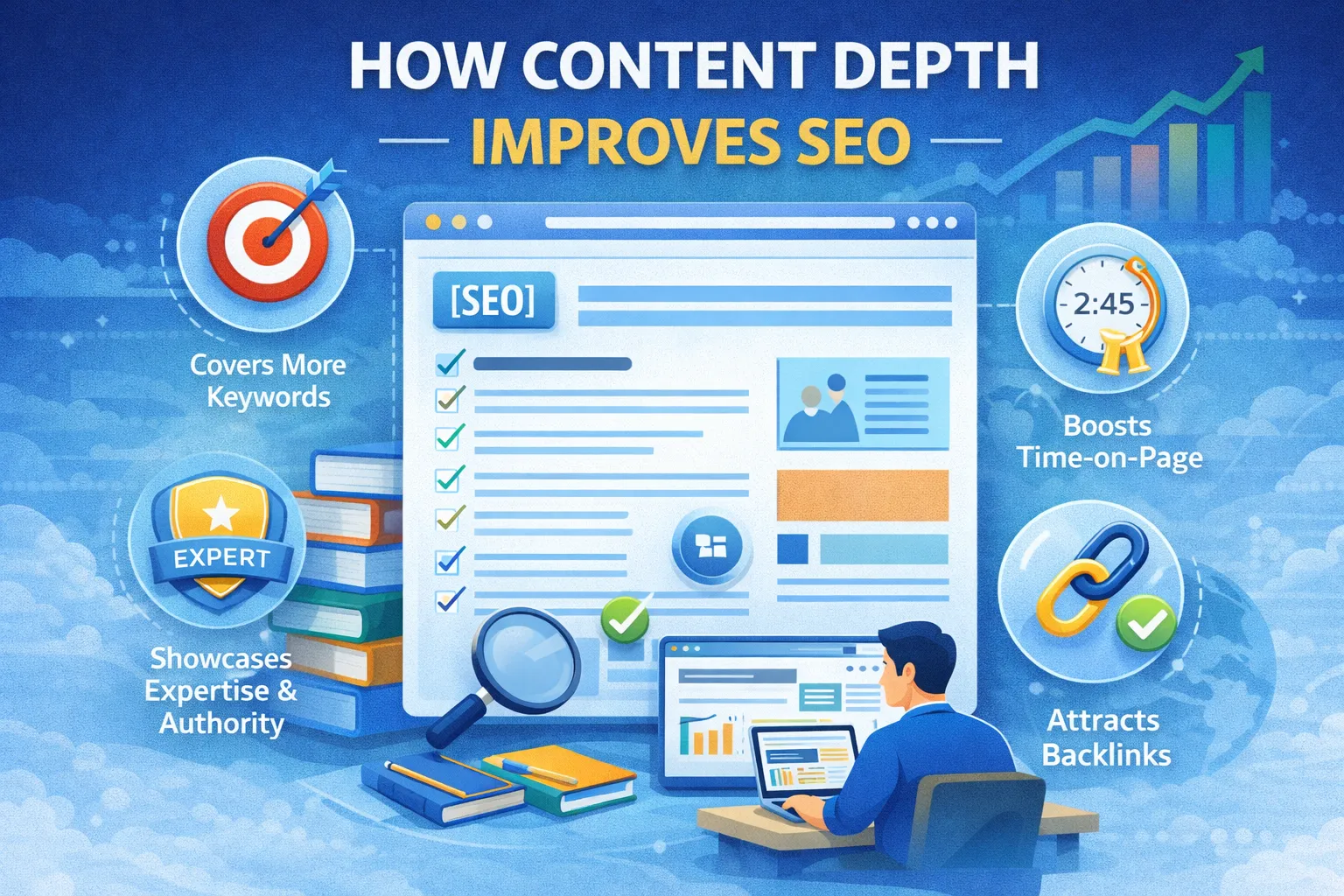
High-quality, authoritative content is the backbone of rankings. For new websites, content must be **deeper, actionable, and structured** than competitors.
Checklist for Content SEO
- Write comprehensive, long-form content (1,500–3,500+ words per pillar post).
- Target long-tail keywords for faster rankings.
- Use keyword variations and LSI (Latent Semantic Indexing) terms.
- Include internal and external links.
- Use numbered lists, tables, and FAQs for rich snippets.
- Ensure content is updated annually or semi-annually.
- Write for humans first, Google second (E-A-T principle).
Tools for content optimization:
- SurferSEO – Analyze competitors and keyword gaps.
- Ahrefs Content Explorer – Find trending content.
- SEMRush SEO Writing Assistant – Optimize on-page content.
Content Formatting Tips
- Use short paragraphs (2–4 lines).
- Use subheadings for skimmability.
- Include bullet points for clarity.
- Highlight key phrases using bold.
- Include actionable steps, templates, and screenshots.
Internal Linking Strategy
Internal linking signals page importance to Google and improves crawlability. For new websites, a strong internal linking strategy is crucial to distribute authority.
Checklist:
- Link blog posts to relevant services/products pages.
- Link related blog posts together for topic clusters.
- Use descriptive anchor text with keywords.
- Include links in navigation and footer if necessary.
- Avoid excessive linking in one paragraph (max 2–3).
- Ensure no broken internal links using tools like Broken Link Checker.
Example Internal Links:
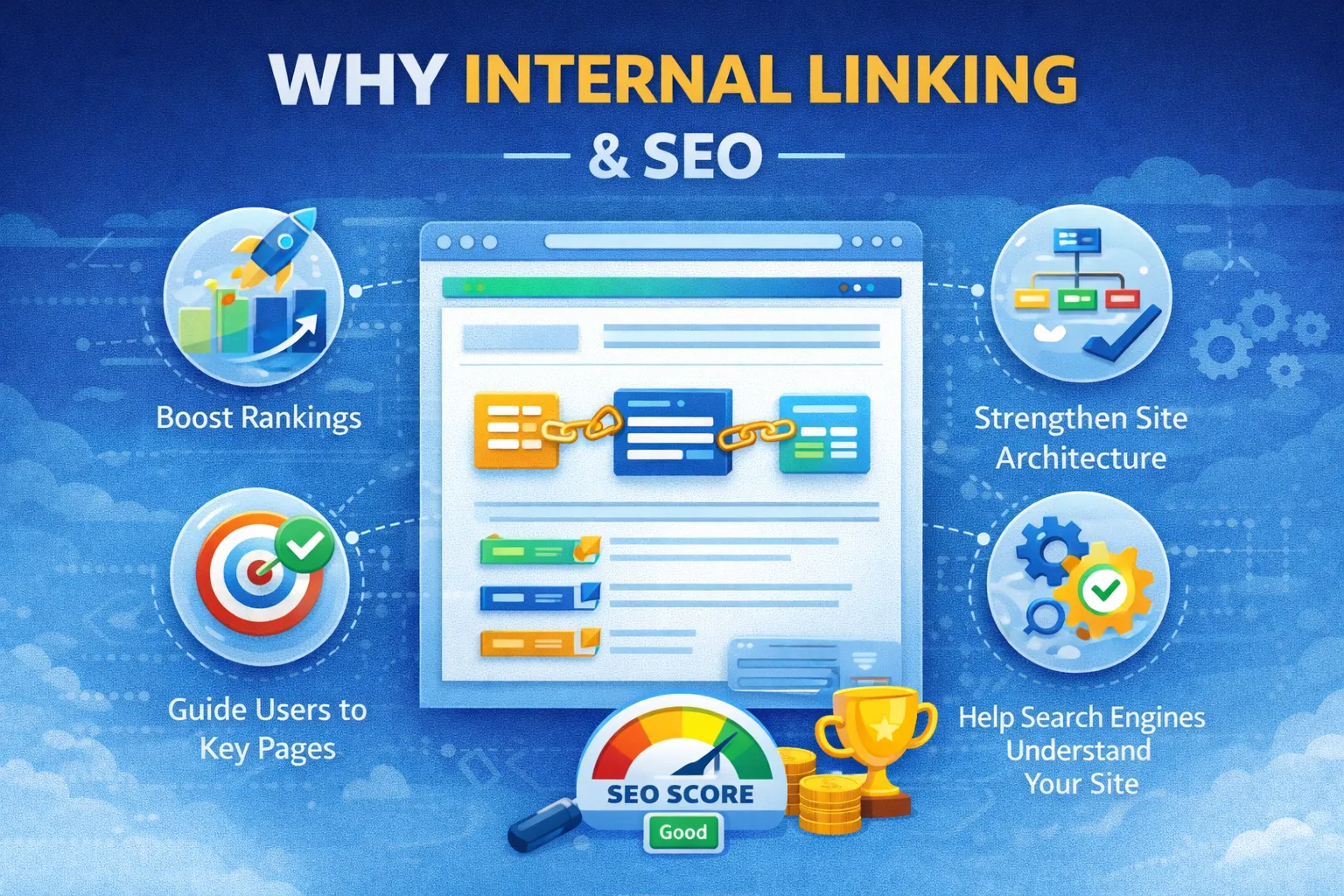
Image & Media SEO
Images improve user experience but also impact SEO. Optimized media can rank in Google Images and improve page load speed.
Checklist:
- Use descriptive filenames including keywords (e.g., seo-audit-checklist-2026.webp).
- Add alt text that describes the image and includes target keywords.
- Compress images without losing quality (use TinyJPG or WebP format).
- Use captions if they add context.
- Use lazy loading for below-the-fold images.
- Ensure videos have transcripts for SEO.
Example alt text: "SEO audit checklist showing technical, on-page, and content SEO steps for new websites 2026"
Schema & Structured Data
Structured data helps Google understand your content type, increasing the chance of rich snippets in search results.
Checklist:
- Implement Article schema for blog posts.
- Use FAQ schema for frequently asked questions.
- Add Organization schema for branding trust.
- Use Breadcrumb schema to improve site navigation in SERPs.
- Validate schema using Google Structured Data Testing Tool.
Consistent schema markup improves CTR and visibility for new websites.
Off-Page SEO & Backlinks (Safe Strategies for New Websites)
For new websites, off-page SEO is about building authority **safely**. Aggressive link-building can harm your site. Focus on quality over quantity.
Checklist:
- Guest post on authoritative niche blogs (high DA/PA).
- Write LinkedIn Articles to share expertise.
- Answer questions on Quora or Reddit and link to relevant pages.
- Create GitHub repos or technical content if applicable.
- Earn natural mentions via outreach or partnerships.
- Avoid paid backlinks, Fiverr, or spammy directories.
- Use social signals (Twitter, LinkedIn, YouTube) to increase visibility.
- Monitor backlinks with Ahrefs Backlink Checker or SEMRush.
Pro Tip: Focus on creating **linkable content**, such as guides, infographics, and tools, which attract backlinks naturally.
Analytics & Tracking
Tracking performance is critical to understanding what works. New websites should set up both **Google Analytics 4 (GA4)** and **Google Search Console**.
Checklist:
- Connect GA4 with GSC for holistic tracking.
- Set up conversion goals (newsletter signups, contact form submissions).
- Track pageviews, session duration, bounce rate, and CTR.
- Monitor top-performing pages to optimize underperforming ones.
- Check Core Web Vitals in GA4 or GSC for speed optimization.
- Use event tracking for clicks on CTAs, downloads, or video plays.
- Periodically export reports to measure growth.
Google Analytics 4 and Google Search Console are sufficient for the first 6–12 months.
Local SEO (Optional for Businesses)
If your website targets a specific location, local SEO ensures visibility in maps and local search results.
- Claim and optimize your Google Business Profile.
- Add NAP (Name, Address, Phone) consistently across all pages.
- Include structured data: LocalBusiness schema.
- Encourage customer reviews on Google & Yelp.
- List your site in local directories (avoid spammy listings).
- Geo-target keywords in meta titles, descriptions, and H1s.
Common SEO Audit Mistakes
Even with a checklist, many new websites fall into these traps:
- Publishing too many thin or short posts without depth.
- Ignoring internal linking and silo structures.
- Obsessing over backlinks too early.
- Not updating old content regularly.
- Neglecting mobile usability and page speed.
- Over-optimizing with keywords (keyword stuffing).
- Not monitoring GSC and GA4 for errors or insights.
- Using duplicate or copied content.
Mini Case Study: New Website SEO Growth
A new website with **0 traffic** followed this SEO audit checklist:
- Fixed all technical SEO issues (HTTPS, mobile-friendly, Core Web Vitals).
- Published 10 long-form, high-quality blogs with internal linking.
- Implemented FAQ and Article schema.
- Added internal links between blogs and service pages.
- Submitted sitemap and verified indexing via GSC.
- Earned 3–5 high-quality backlinks from niche blogs and LinkedIn articles.
- Tracked performance weekly using GA4 and GSC.
Results: 0 → 1,500 monthly impressions in 90 days, 12 keywords ranking on page 1 for long-tail queries, CTR improved by 7%.
Want similar results? Follow this checklist or get a professional SEO audit.

Related Advanced SEO Guides
- Complete SEO Audit Guide
- Technical SEO Checklist
- 301 Redirect Strategy for SEO
- Website Migration SEO Checklist
Frequently Asked Questions
1. How long does SEO take for new websites?
Typically 3–6 months for stable rankings. Low competition keywords may rank faster.
2. Can I rank without backlinks?
Yes, by targeting long-tail keywords and optimizing technical and content SEO.
3. Should I audit my site regularly?
Every 30–45 days to catch indexing and technical issues early.
4. Do I need paid SEO tools?
No, GSC, GA4, and free keyword tools are sufficient initially.
5. How many blog posts should I publish first?
10–15 comprehensive posts targeting long-tail keywords.
6. Does updating old content help SEO?
Yes, refresh content regularly for freshness signals.
7. Should I focus on content or backlinks first?
Content and internal linking first; backlinks come later.
8. How do I track SEO progress?
Monitor GSC impressions, CTR, indexed pages, and GA4 analytics metrics.
9. Can new websites compete with big sites?
Yes, by targeting niche long-tail keywords, better content depth, and clean technical SEO.
10. What is the biggest SEO mistake for new sites?
Publishing thin content without technical foundation or expecting instant traffic.
11. How often should I check backlinks?
Monthly, using Ahrefs or SEMrush to ensure quality links.
12. Can I use free SEO plugins?
Yes, WordPress SEO plugins like RankMath or Yoast help manage on-page SEO.
13. Is mobile optimization really important?
Yes, Google uses mobile-first indexing; poor mobile experience harms rankings.
14. Should I implement schema for every page?
At least for blog posts, FAQs, and key service pages to improve rich snippets.
15. How to improve CTR in search results?
Optimize meta titles, descriptions, use numbers, brackets, and emotional triggers.
16. Are broken links harmful?
Yes, fix broken links to avoid crawl errors and bad UX.
17. How important is site speed?
Critical — LCP, FID, and CLS affect rankings and user experience.
18. Should I focus on global or local SEO?
Depends on business model. Local SEO is essential for region-specific businesses.
19. Can I rank fast in 30 days?
Yes, for ultra-low competition keywords with optimized content and technical SEO.
20. How to structure internal linking?
Use topic clusters: pillar pages link to subtopics and vice versa for authority distribution.
21. What is the difference between an SEO audit and an SEO strategy?
An SEO audit identifies technical, content, and structural issues on a website. An SEO strategy defines the long-term plan to improve rankings, traffic, and conversions after those issues are fixed.
22. Should a brand-new website use noindex tags initially?
No. New websites should allow indexing immediately unless pages are incomplete, duplicated, or under development. Blocking indexing delays ranking potential.
23. How long does Google take to index a new website?
Google can index a new website within a few days to a few weeks. Submitting a sitemap in Google Search Console and building internal links speeds up indexing.
24. What is crawl budget and does it matter for small websites?
Crawl budget refers to how many pages Googlebot crawls on your site within a given timeframe. For small websites, crawl budget is rarely a problem unless there are many duplicate or low-quality URLs.
25. Can AI-generated content rank for new websites?
Yes, AI-generated content can rank if it is high-quality, fact-checked, well-structured, and aligned with search intent. Thin or generic AI content may not perform well.
26. How many internal links should a new blog post have?
Each new blog post should include 3–8 relevant internal links to pillar pages, related guides, and service pages. The goal is contextual relevance, not excessive linking.
27. Is XML sitemap submission enough for ranking?
No. An XML sitemap helps Google discover pages but does not guarantee rankings. Rankings depend on content quality, authority, and user engagement signals.
28. What are the first pages a new website should optimize?
Start with the homepage, primary service pages, and 5–10 cornerstone blog posts targeting low-competition keywords with clear search intent.
29. How do I fix keyword cannibalization on a new website?
Identify overlapping pages targeting the same keyword, consolidate similar content into one strong page, and use internal linking to reinforce topic hierarchy.
30. What is the fastest way to improve SEO for a new website?
Fix technical errors, publish long-tail keyword content, build strong internal links, optimize titles for CTR, and earn 2–5 high-quality backlinks from relevant websites.
Need a Professional SEO Audit?
If you want a done-for-you SEO audit + fixing plan, we provide complete technical, on-page, and content audits for new and growing websites.
Get Professional SEO Audit →Conclusion
This 2026 SEO audit checklist is a complete roadmap for new websites. By systematically applying technical SEO, on-page optimization, content depth, internal linking, and safe backlinks, you can achieve **predictable and sustainable growth**.
Track performance with GSC and GA4, update content regularly, and avoid shortcuts like spammy backlinks. SEO is **systematic, not magical** — with diligence, new websites can compete and thrive.