
SEO Migration Testing Checklist (2026): 21 Critical Checks to Prevent Traffic Loss
Author: Hassan – SEO Researcher · Updated March 2026 · 16 min read
Most websites lose 20–70% of their traffic after migration — not because of the migration itself, but because of poor testing.
If redirects fail, pages don’t get indexed, or internal links break, your rankings can disappear overnight.
This SEO migration testing checklist will help you detect and fix critical issues before they destroy your traffic.
Industry Insight: Over 60% of websites experience traffic drops after migration due to poor testing and redirect issues.
What You’ll Learn
- How to test redirects without losing SEO value
- How to detect hidden indexing issues
- Complete migration testing checklist (step-by-step)
- Common mistakes that destroy rankings
But here’s the truth most people ignore: migration itself is not the problem — lack of testing is.
Many websites implement redirects, update structure, and launch successfully — yet still lose traffic.
Why?
Because hidden issues go undetected:
- Broken redirects
- Indexing errors
- Missing content
- Internal link issues
SEO migration testing ensures that your website maintains rankings, traffic, and search visibility after changes — especially when you follow a proper SEO migration strategy.
This guide works alongside our Avoid Traffic Loss During Site Migration strategy.

What Is SEO Migration Testing?
SEO migration testing is the process of validating your website after migration to ensure all SEO elements are functioning correctly.
It is not optional — it is essential.
Testing ensures that:
- Search engines can crawl your site
- Redirects pass SEO value
- Content remains intact
- Internal linking works properly
Without testing, you risk losing rankings without even knowing why.

Why Testing Matters in SEO Migration
Migration introduces multiple changes at once.
Even a small mistake can impact your entire website.
What Can Go Wrong?
- Pages not indexed
- Redirects failing
- Content missing
- Internal links broken
Testing helps identify these issues early.
This is why testing is a core step in Website Redesign SEO Checklist.

Pre-Testing Preparation (Baseline Data Setup)
Before testing begins, you must collect baseline data.
This allows you to compare performance before and after migration.
What to Collect
- Organic traffic
- Keyword rankings
- Indexed pages
- Top-performing URLs
Use:
This data becomes your reference point.

SEO Migration Testing Framework (Overview)
Testing must follow a structured framework.
Random checking is not enough.
Core Testing Areas
- Redirect testing
- Technical SEO validation
- Content verification
- Internal link audit
- Indexing validation
Each layer ensures stability.
Together, they protect your SEO performance.

Redirect Testing Fundamentals
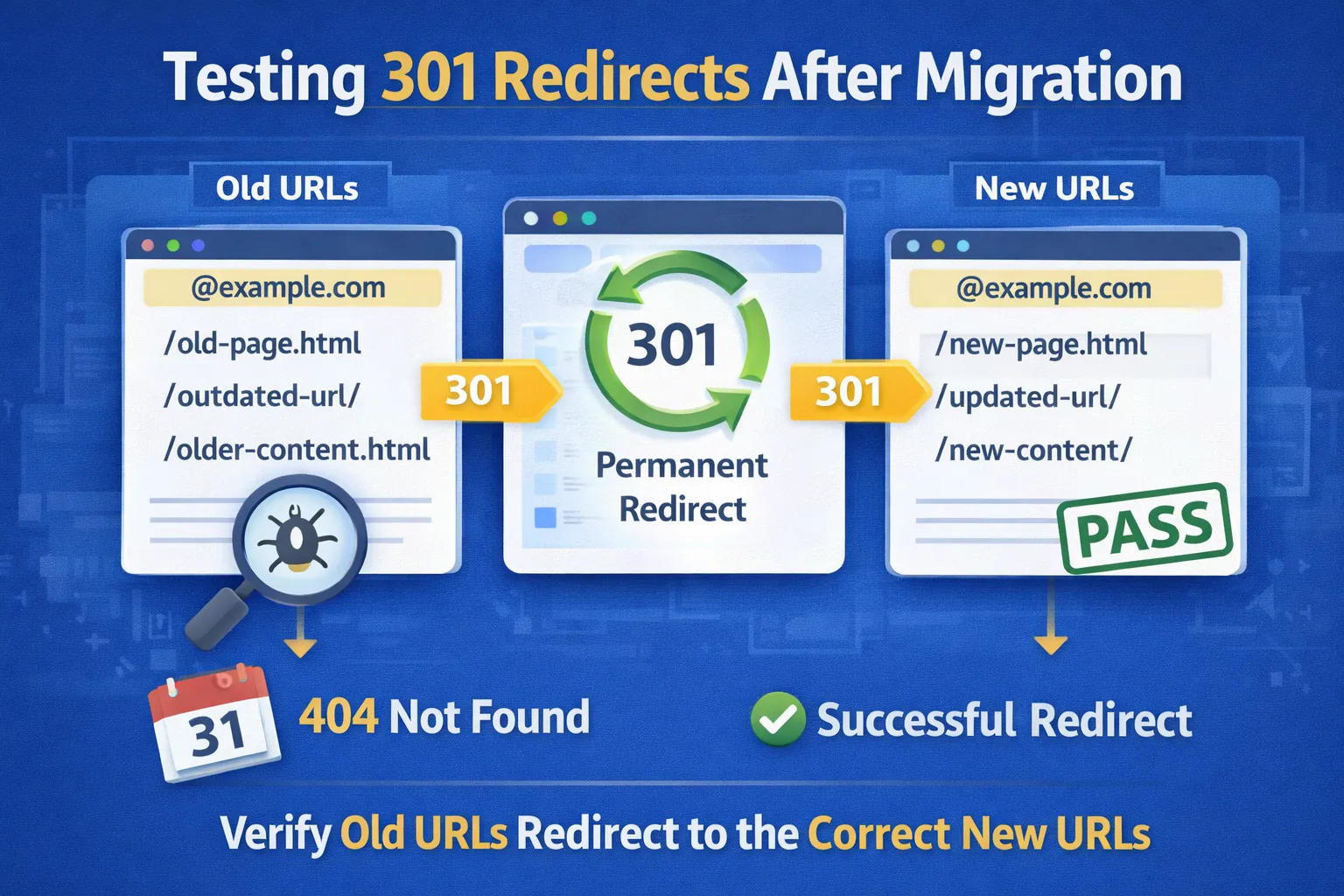
Redirects are the most important element to test.
They transfer SEO signals from old URLs to new URLs.
What to Check
- All old URLs redirect correctly
- No redirect chains
- No redirect loops
Incorrect redirects can destroy rankings instantly.
Use HTTP Status Checker to test them.
Technical SEO Testing Overview
Technical SEO ensures your site can be crawled and indexed.
After migration, technical errors are common.
Common Issues
- Blocked pages
- Broken canonical tags
- Missing sitemap
Use Screaming Frog SEO Spider to audit your website.

Content Verification Testing
Content must remain intact after migration.
Any loss or change can affect rankings.
Check These
- Content completeness
- Keyword targeting
- Formatting and structure
Content is your main ranking asset.

What Comes Next
You now understand the foundation of SEO migration testing.
In Part 2, we will go deeper into:
- Advanced redirect audits
- Internal link validation
- Indexing testing
- Crawl analysis
This is where testing becomes actionable.
Advanced Redirect Testing (Complete Validation)
Basic redirect testing is not enough.
You need to validate redirects at scale to ensure no SEO value is lost.
Step 1: Crawl Old URLs
Use your pre-migration URL list and crawl them using tools like:
Step 2: Verify Status Codes
- 200 → OK (new pages)
- 301 → Correct redirect
- 404 → ERROR (must fix)
Step 3: Identify Redirect Chains
Example of bad chain:
Old URL → Redirect 1 → Redirect 2 → Final Page
Each step reduces SEO value.
Step 4: Fix Redirect Mapping
Every old URL must point directly to the final destination.
Learn mapping strategy in Website Redesign SEO Checklist.

Internal Link Audit (Critical for SEO Structure)
Internal links define your website structure.
After migration, they often break.
Common Issues
- Links pointing to old URLs
- Broken links (404)
- Incorrect anchor paths
How to Audit Internal Links
- Crawl your site using Screaming Frog
- Check “Inlinks” and “Outlinks”
- Identify broken or outdated links
What to Fix
- Update links to new URLs
- Fix broken links
- Strengthen topic clusters
Example cluster:
This improves crawlability and authority flow.

Indexing Validation (Ensure Google Sees Your Pages)
After migration, indexing must be verified.
If pages are not indexed, they cannot rank.
Step 1: Check Indexed Pages
Use Google Search Console:
- Check coverage report
- Identify excluded pages
Step 2: Use Site Search
Search:
site:yourdomain.com
Compare indexed pages before and after migration.
Step 3: Identify Indexing Issues
- Noindex tags
- Blocked by robots.txt
- Duplicate content
Step 4: Request Indexing

Crawl Testing (Full Website Audit)
Crawl testing simulates how search engines view your website.
This helps detect hidden issues.
What to Check
- Broken pages (404)
- Redirect issues
- Duplicate content
- Missing metadata
Tools
Run a full crawl after migration.
Fix issues immediately.

On-Page SEO Validation
On-page SEO must remain consistent after migration.
Check These Elements
- Title tags
- Meta descriptions
- Headings (H1, H2)
- Keyword placement
Changes in these elements can affect rankings.
Use tools like Ahrefs or SEMrush.

Mobile and UX Testing
Google uses mobile-first indexing.
Your mobile experience must be flawless.
What to Test
- Responsive design
- Page speed
- Layout issues
Use: Google PageSpeed Insights

Live Environment Testing (Final Validation)
Once your site is live, testing must continue.
This ensures everything works in real conditions.
Check:
- Live redirects
- Indexing status
- Traffic patterns
Compare performance with pre-migration data.

What Comes Next
You now understand how to perform advanced SEO testing.
In Part 3, we will cover:
- Common testing mistakes
- Debugging strategies
- Real-world testing scenarios
- SEO recovery insights
This will help you master migration testing.
Common SEO Migration Testing Mistakes (That Destroy Rankings)
Even after performing testing, many websites still lose traffic.
The reason is simple: they test incorrectly or incompletely.
Understanding these mistakes is critical to avoiding SEO damage.

1. Only Surface-Level Testing
Many website owners check only a few pages manually.
This creates a false sense of security.
Why This Is Dangerous
- Hidden issues remain undetected
- Thousands of URLs may have errors
Correct Approach
- Perform full-site crawl
- Validate all URLs
- Use automated tools
Use Screaming Frog for full audits.

2. Ignoring Redirect Issues
Redirects are the most critical SEO signal during migration.
But many websites fail to test them properly.
Common Problems
- Redirect chains
- Incorrect destinations
- Missing redirects
Impact
- Loss of link equity
- Ranking drops
Learn correct implementation in Avoid Traffic Loss Guide.

3. Not Verifying Indexing
One of the biggest mistakes is assuming pages are indexed.
After migration, pages can be:
- Not indexed
- Deindexed
- Blocked
Solution
- Check Search Console coverage
- Use site: search

4. No Before vs After Comparison
Without comparison data, you cannot detect issues.
You must compare:
- Traffic
- Rankings
- Indexed pages
Correct Approach
- Use baseline data
- Monitor changes daily

5. Stopping Testing Too Early
Testing should not stop after launch.
SEO signals take time to stabilize.
What Happens If You Stop Early
- Hidden issues appear later
- Traffic drops go unnoticed
Correct Approach
- Monitor for 4–8 weeks
- Continue testing regularly

SEO Migration Debugging Framework
If something goes wrong, you need a structured debugging approach.
Step 1: Identify the Problem
- Traffic drop?
- Ranking loss?
- Indexing issues?
Step 2: Analyze Data
- Check analytics
- Review Search Console
Step 3: Locate the Cause
- Redirect issue
- Content issue
- Technical issue
Step 4: Fix Immediately
Apply corrections based on findings.
Step 5: Monitor Recovery
Track improvement over time.

Real-World Migration Failure Scenarios
Understanding real-world cases helps you avoid mistakes.
Scenario 1: Traffic Drop After Migration
Cause:
- Missing redirects
Solution:
- Fix redirect mapping
Scenario 2: Pages Not Indexed
Cause:
- Noindex tag or robots blocking
Solution:
- Fix indexing settings
Scenario 3: Ranking Drop
Cause:
- Content changes
Solution:
- Restore content

SEO Recovery Insights After Testing
If issues are detected early, recovery is possible.
Key Actions
- Fix redirects immediately
- Restore lost content
- Request reindexing
- Improve internal linking
Recovery depends on speed and accuracy.
Fast fixes = faster recovery.

What Comes Next
You now understand testing mistakes and debugging strategies.
In Part 4, you will get:
- Complete testing checklist
- 20+ FAQs
- Final SEO strategy summary
This will complete your SEO migration testing guide.
Complete SEO Migration Testing Checklist
Use this checklist to ensure your website migration is fully validated and SEO-safe.
Redirect Testing Checklist
- All old URLs redirect correctly
- No redirect chains
- No redirect loops
- All redirects use 301 status
- No 404 errors from old URLs

Technical SEO Testing Checklist
- XML sitemap updated and submitted
- Robots.txt configured correctly
- Canonical tags validated
- No blocked important pages
- Structured data implemented

Content Testing Checklist
- No content loss
- Keyword targeting preserved
- Content structure maintained
- Headings optimized

Internal Linking Checklist
- All internal links updated
- No broken links
- Strong topic clusters maintained

Indexing Checklist
- Pages indexed correctly
- No unintended noindex tags
- No blocked pages

Performance Checklist
- Page speed optimized
- Mobile-friendly design
- No layout shifts

Related Migration & Technical SEO Guides
This guide is part of a complete SEO migration cluster.
- Avoid Traffic Loss During Site Migration
- Website Redesign SEO Checklist
- Post-Migration SEO Monitoring Guide
Together, these articles create a full migration strategy.

Frequently Asked Questions About SEO Migration Testing
1. What is SEO migration testing?
SEO migration testing is the process of validating all critical SEO elements after a website migration, including redirects, indexing, internal links, and technical setup. This ensures your rankings and traffic are not negatively affected.
2. Why is testing important?
To prevent traffic loss and ranking drops.
3. What is the first thing to test?
Redirects should be tested first.
4. How do I test redirects?
Use tools like HTTP status checker or crawl tools.
5. What tools are used for testing?
Screaming Frog, Search Console, Ahrefs.
6. How long should testing continue?
At least 4 to 8 weeks after migration.
7. Can testing prevent traffic loss?
Yes, early detection prevents major issues.
8. What is crawl testing?
Analyzing how search engines view your website.
9. What is indexing validation?
Ensuring pages appear in search results.
10. What is a redirect chain?
Multiple redirects before reaching the final page.
11. What happens if redirects fail?
SEO value is lost.
12. What is internal link testing?
Checking all internal links work correctly.
13. What is technical SEO testing?
Validating crawlability and indexing.
14. Should I test mobile performance?
Yes, mobile-first indexing is critical.
15. What is baseline data?
Pre-migration SEO metrics for comparison.
16. Can I automate testing?
Yes, using SEO tools.
17. What is the biggest testing mistake?
Testing only a few pages.
18. How do I fix testing issues?
Identify the problem and apply targeted fixes.
19. Does testing improve SEO?
Yes, by ensuring proper implementation.
20. What is the final goal of testing?
To ensure SEO stability after migration.

Final Strategic Summary
SEO migration testing is not optional — it is essential.
Even perfectly executed migrations can fail without proper validation.
Testing ensures that:
- SEO signals are preserved
- Rankings remain stable
- Traffic is protected
By following a structured testing framework, identifying issues early, and fixing them quickly, you can ensure a successful migration.
Combined with planning and monitoring, this creates a complete SEO migration strategy.
This guide completes your migration SEO system.

This guide belongs to our structured SEO system covering keyword research, SERP analysis, technical SEO, and migration strategies.
Explore Full Framework →