
Testing Automation Basics: Selenium, CI, and QA Automation (2025)
- Introduction
- Step 1: Understanding Automation Testing
- Step 2: Selecting the Right Tools
- Step 3: Setting Up the Test Environment
- Step 4: Writing Effective Test Cases
- Step 5: Running Tests in CI/CD Pipelines
- Step 6: Reporting and Debugging
- Step 7: Best Practices
- Step 8: Real-World Example
- Step 9: Advanced Tips & Strategies
- QA Automation FAQs
Automation testing is critical in modern software development. It helps QA teams save time, reduce human errors, and ensure high-quality software delivery. This guide dives deep into Selenium, CI/CD pipelines, best practices, and advanced QA automation strategies for 2025.
Step 1: Understanding Automation Testing
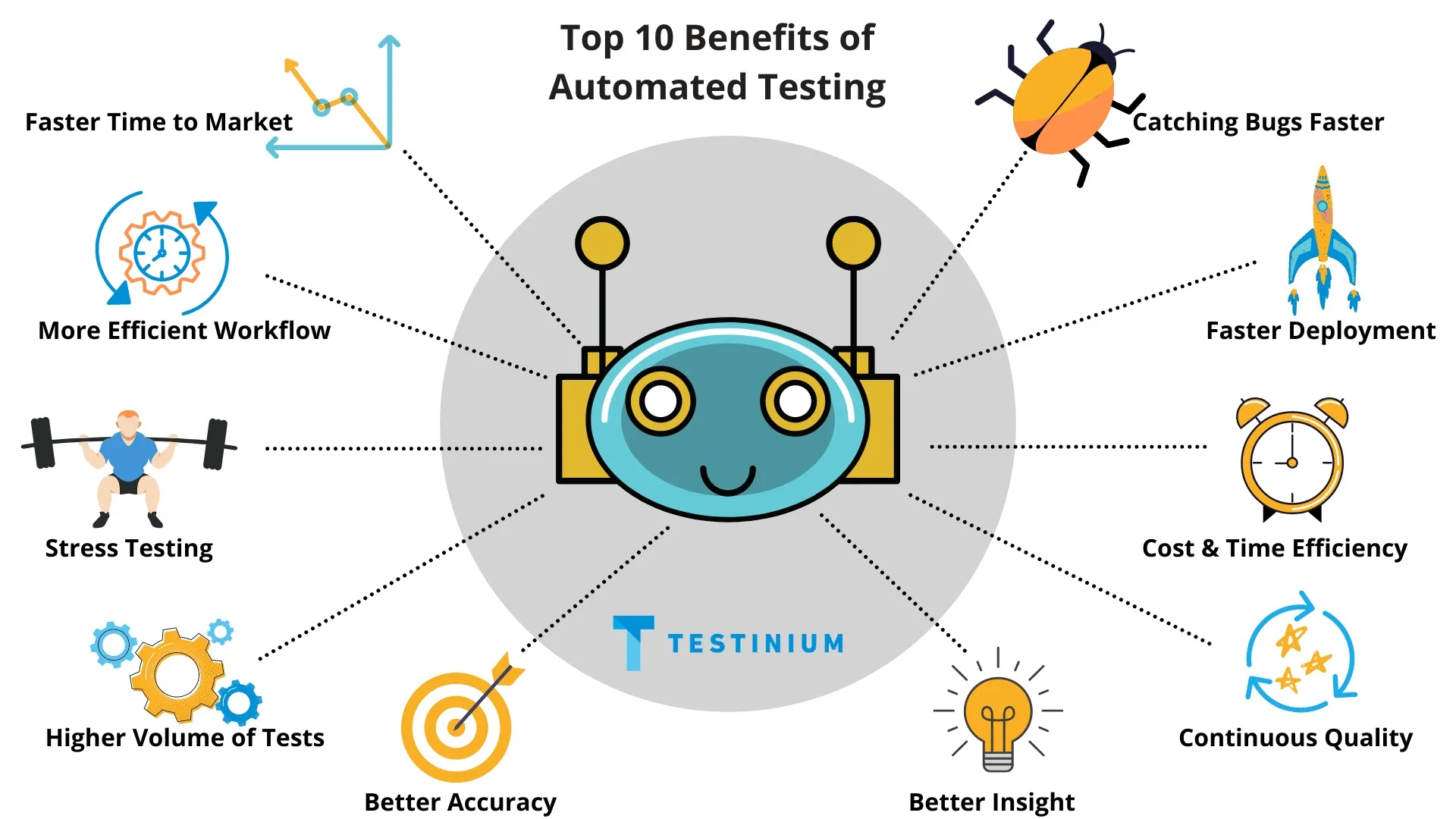
Automation testing uses software tools to execute predefined test cases, validate results, and generate reports. Key advantages:
- Reduces human error in testing processes
- Increases test coverage and execution speed
- Enables frequent regression testing with consistency
Step 2: Selecting the Right Tools
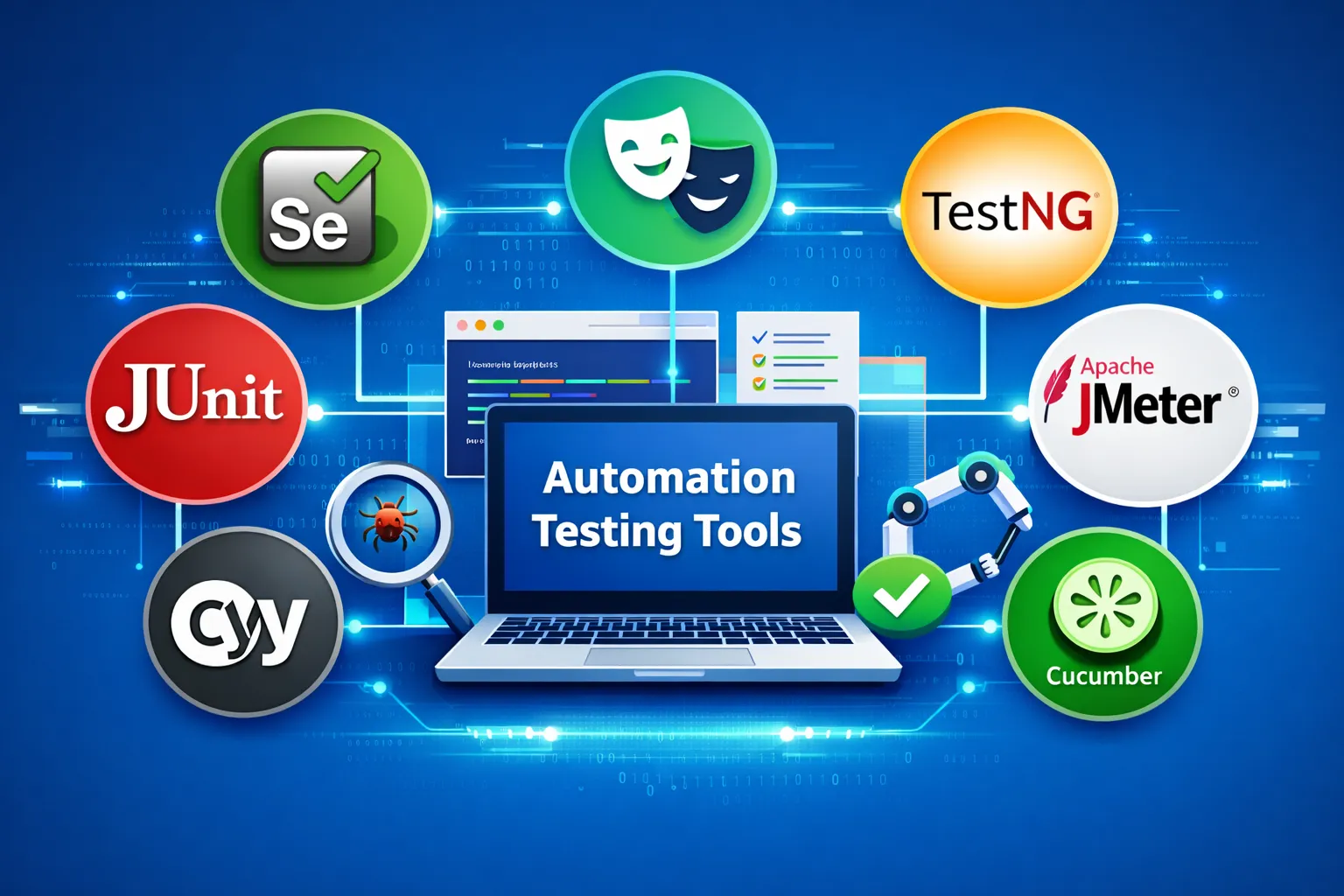
Choosing the correct automation tools ensures efficiency:
- Selenium WebDriver: Multi-browser and multi-language support. Official Selenium Site
- TestNG / JUnit: Organize test cases and generate reports. TestNG Docs
- CI/CD Tools: Jenkins, GitHub Actions, GitLab CI for automated test execution. Jenkins CI
- Modern Tools: Cypress, Playwright for advanced web app testing. Cypress Docs
Step 3: Setting Up the Test Environment
- Install required programming languages: Java, Python, C#
- Configure IDE: IntelliJ, VS Code, or PyCharm
- Install browser drivers: ChromeDriver, GeckoDriver for Selenium
- Set up CI/CD pipelines for automatic test execution
Reference: CI/CD Basics Guide
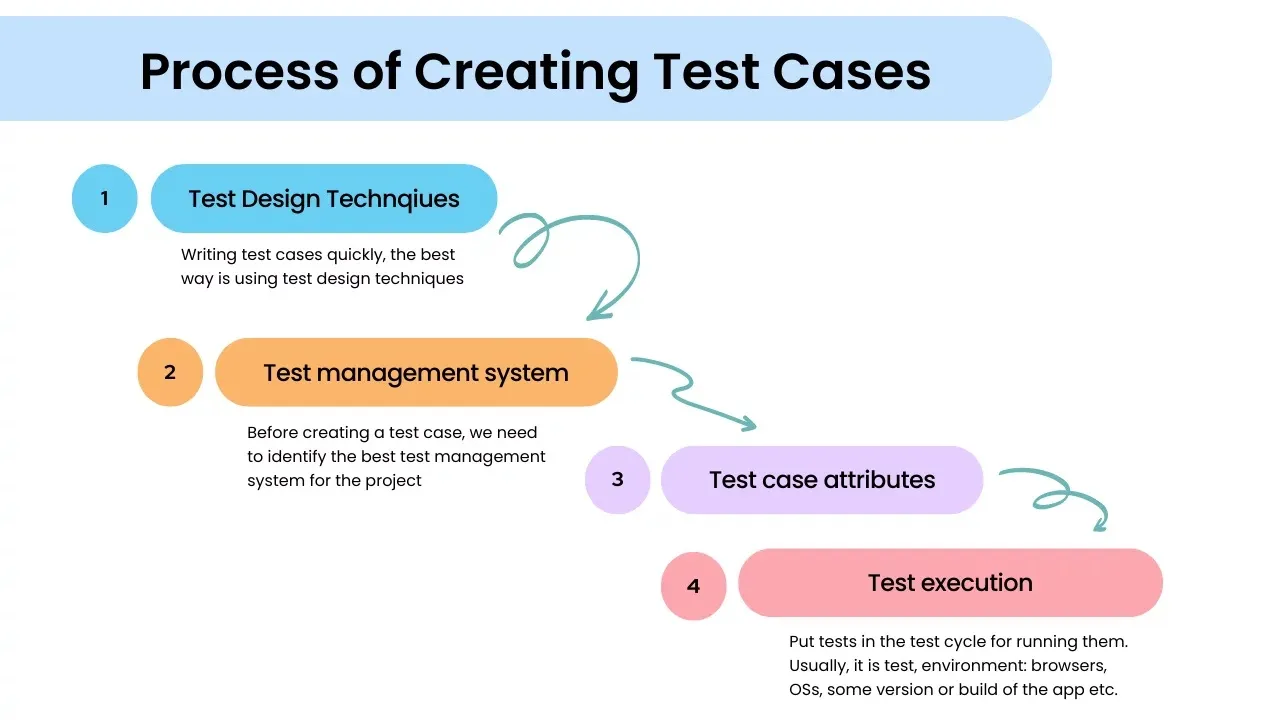
Step 4: Writing Effective Test Cases
Best practices for writing test cases:
- Focus on critical and repetitive workflows like login, registration, and checkout
- Use assertions to validate outcomes
- Write modular and reusable code
- Maintain consistent naming conventions
Step 5: Running Tests in CI/CD Pipelines
Automated tests should integrate with CI/CD for continuous execution:
- Trigger tests automatically on pull requests or merges
- Integrate reports with Allure, TestNG, or JUnit reporting
- Use structured runners for consistency
Reference: Selenium Documentation
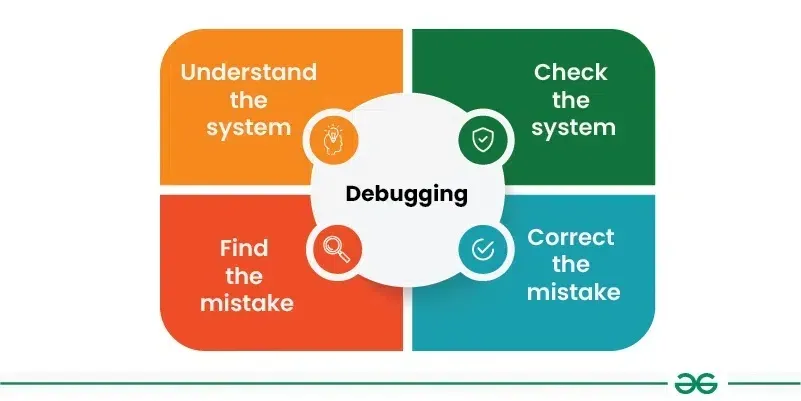
Step 6: Reporting and Debugging
- Generate automated reports for stakeholders
- Capture screenshots/logs for debugging
- Identify and fix flaky tests to stabilize the suite
Step 7: Best Practices
- Keep scripts modular and maintainable
- Prioritize high-impact scenarios
- Run regression tests frequently
- Use realistic and updated test data
- Document workflows and guidelines for the team
Step 8: Real-World Example
A QA team automating a login workflow might:
- Write Selenium scripts for credentials input
- Verify dashboard UI and elements
- Log results in Jenkins CI pipeline
- Trigger regression tests automatically on deployment

Step 9: Advanced Tips & Strategies
- Use parallel testing for speed
- Integrate AI tools for test optimization
- Leverage cloud-based testing platforms (Sauce Labs, BrowserStack)
- Continuously monitor flakiness and maintain stability
- Document lessons learned and improve automation workflow
QA Automation FAQs
What is automated testing?
Automated testing is the use of software tools to execute predefined tests, validate outcomes, and report results with minimal human intervention.
Which tool should beginners use for QA automation?
Selenium WebDriver with TestNG or JUnit is the industry standard for beginners. Cypress or Playwright are also excellent for modern web apps.
Why integrate automated tests in CI/CD?
CI/CD integration ensures tests run consistently on every code commit, catching defects early and improving software quality.
How to maintain automation scripts?
Keep scripts modular, use version control, update regularly, and document test cases and workflows.
Conclusion
Automation testing streamlines QA processes, improves consistency, and accelerates software delivery. By mastering tools like Selenium, integrating CI/CD pipelines, writing modular scripts, and following best practices, beginners can build a strong QA automation foundation for 2025.
Start implementing these strategies today to deliver high-quality, reliable software efficiently.